Create something new
A benefits guide, handbook, SOP, report or one-page notice.
- Start blank, choose a template or describe what you need.
- Add files, paste your text or use information ZIPPLEE already holds.
- Build and edit your first draft.
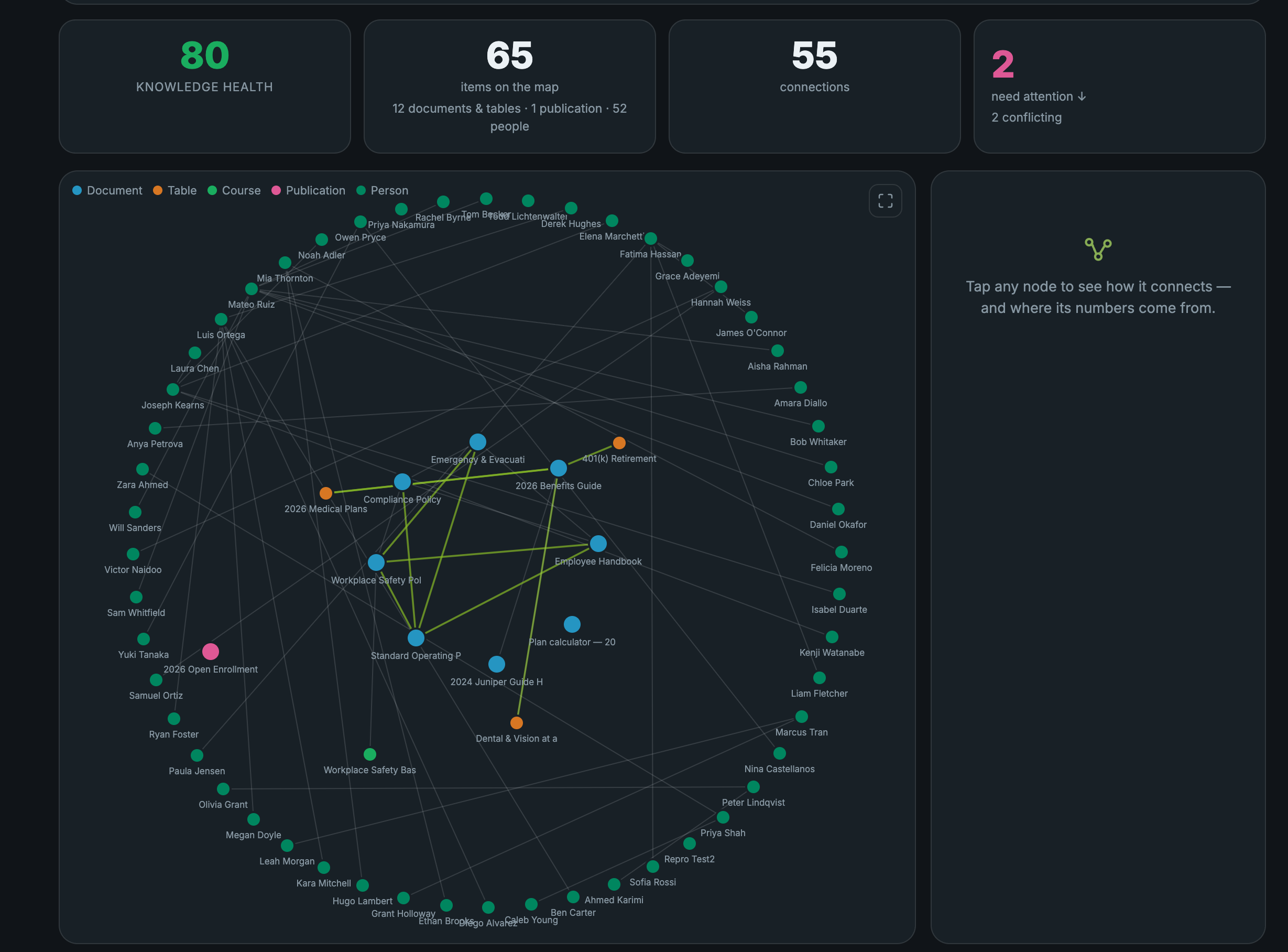
Zipplee is an AI-powered HR operating system that connects company knowledge, employee experiences, workflows, and reports.
Ask Zip to use that knowledge and its tools to carry out multi-step work across your business.
Stop paying outside vendors for every project. Bring the work in-house with automations and AI.
One source document instantly creates 10 products, from benefit guides to reports, with unlimited edits and publications.











Create in the workbench. Connect it in the employee hub.
See one source become a bundle ↓Choose the products you need. Zipplee creates them from the same source, ready for your team to review and edit.
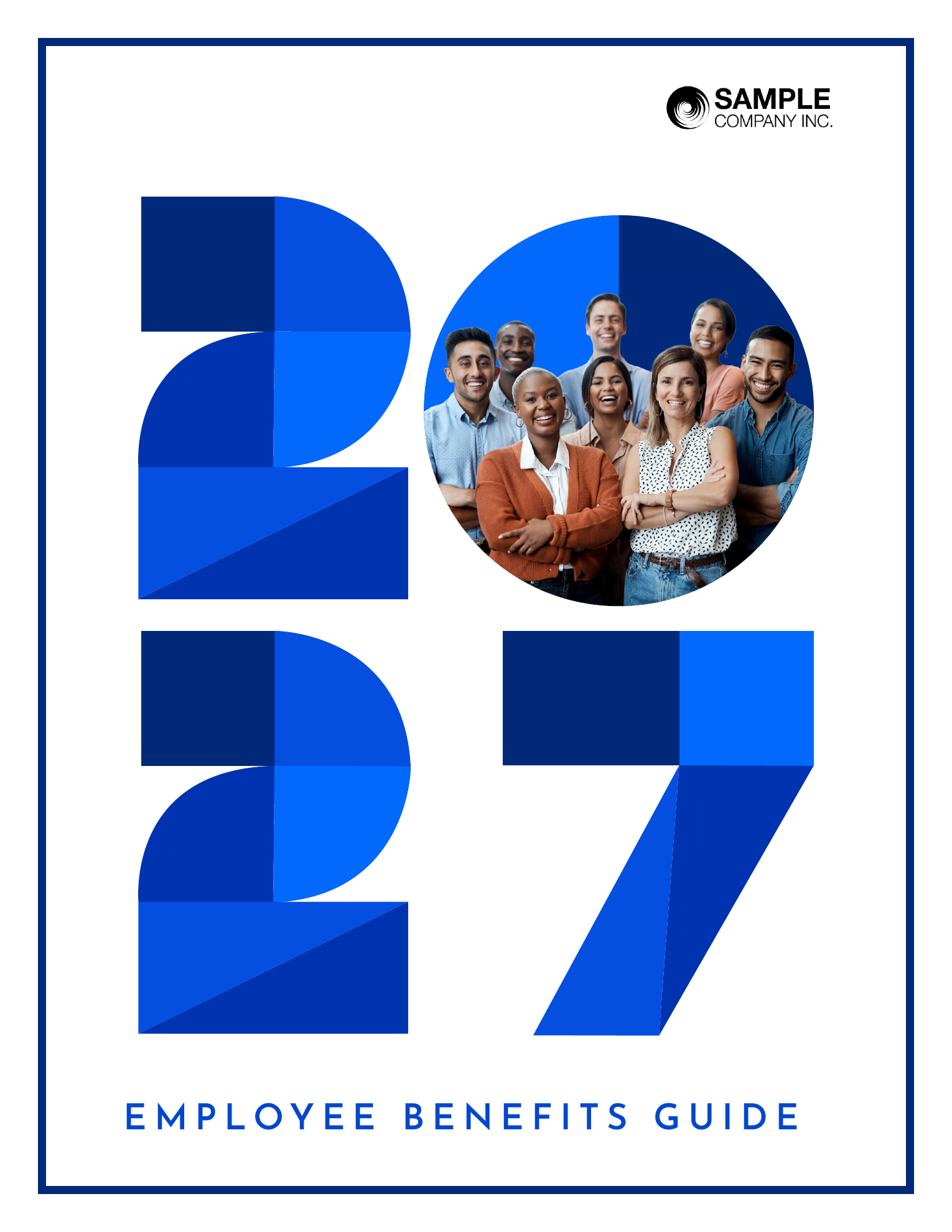
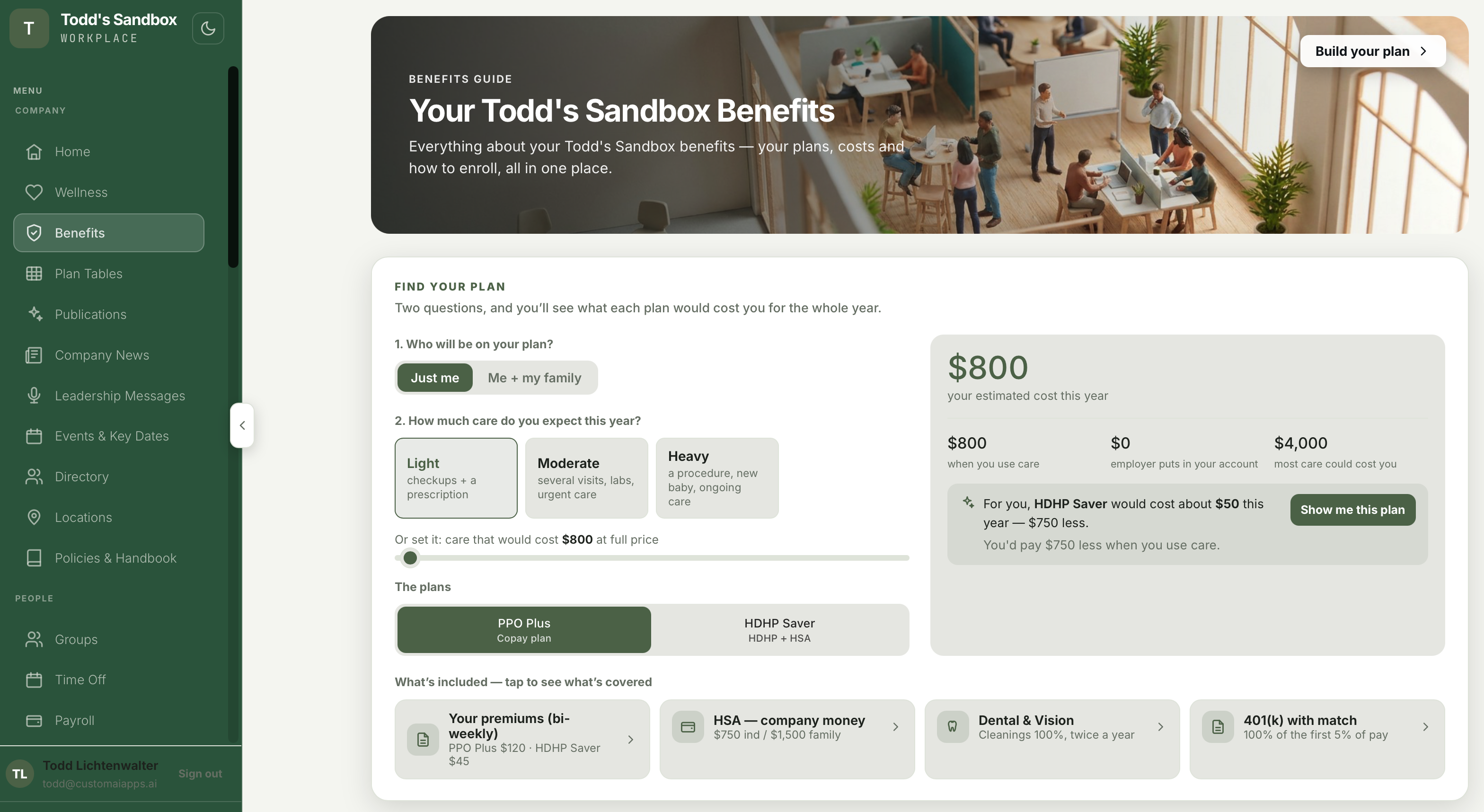
Plan names, premiums, deductibles and coverage details stay consistent across the formats you choose.
Choose the path that matches your job. Each one leads to a document you can review, edit and publish.
A benefits guide, handbook, SOP, report or one-page notice.
Bring last year’s guide or an existing document up to date.
Turn a document you already have into the formats your people need.
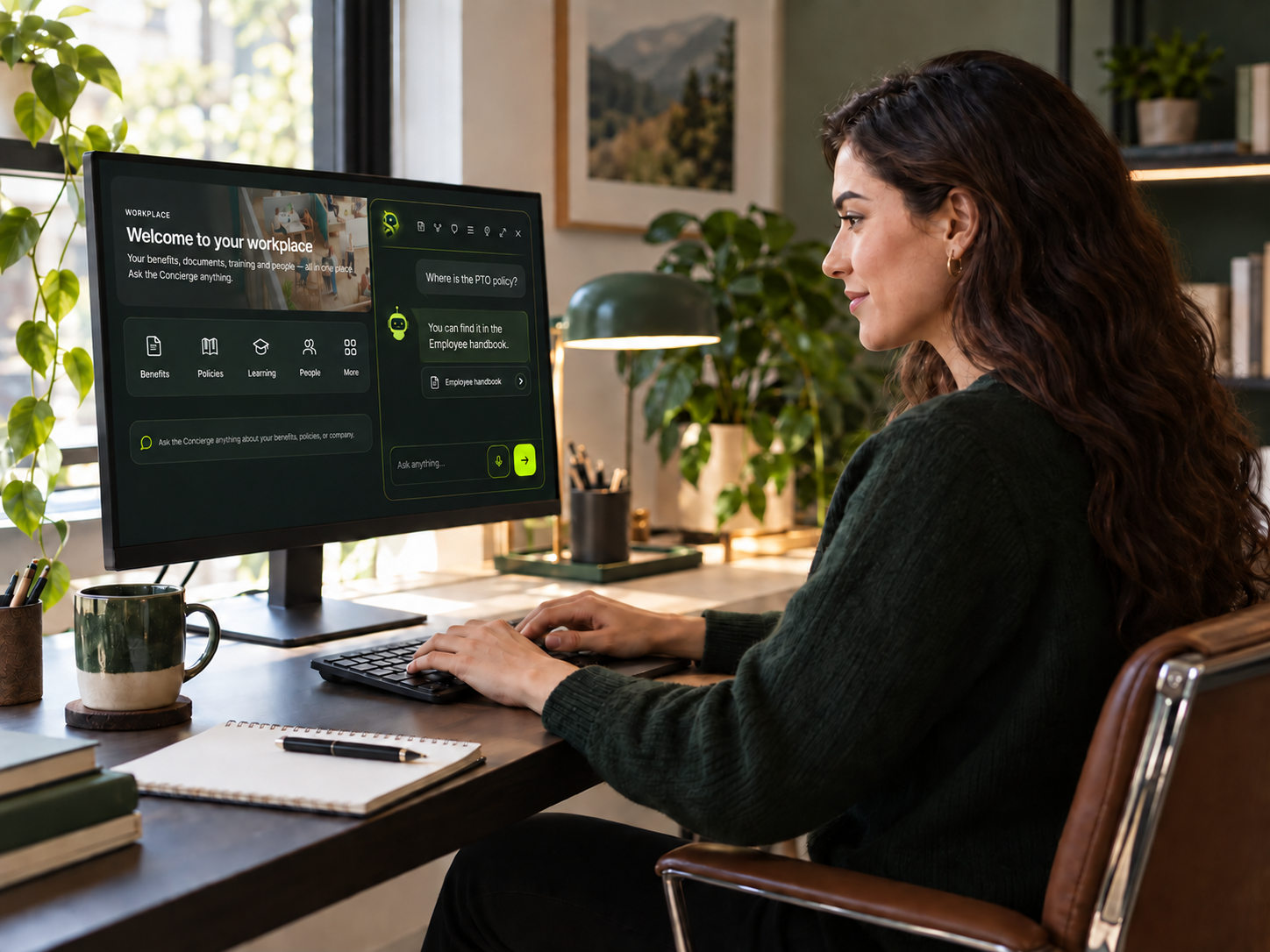
Tell Zip what you want in your own words—by voice or text. He selects the right tools from your connected systems, runs the approved workflow that handles the request, and shows you the result.
Ask Zip
AI routes the work ↓
Workflow libraries provide the repeatable sequences. Connected tools provide the records and actions. Zipplee chooses the right path for your request and respects the permissions you set, with review for actions that need your decision.
Give Zipplee a job in your own words. It shows its progress, keeps working when you close the window, and reports the outcome.
From a request to action. Zipplee accepts natural-language work requests and selects the relevant connected tools to carry them out.
Work you can follow. It handles multi-step and long-running jobs with visible progress, history in Your jobs, stops, and approvals when a decision is needed.
A result you can inspect. Outcomes are recorded in the action log, with exceptions surfaced alongside deliverables such as tables, spreadsheets, and documents.
 Ask Zip
 Ask Zip
For HR, Zip turns a voice or text request into a verified multi-step workflow: research approved company records and documents, produce source-backed reports or tables and Document Studio drafts, deliver them to the right audience, assign tasks or sign-offs, and set recurring jobs. Actions that change something or reach other people are checked against role permissions and shown for approval when your settings require it. Employees have a narrower lane for shared information, their own requests, and employee-scoped tasks. Personal documents stay private to the employee who uploaded them; HR, managers, and coworkers can’t see or search them.
Speak or type what you want done in everyday language. Zipplee can use the company knowledge and tools you have access to, work through several steps, and show you what happened. Ask it to analyze records, build spreadsheets and documents, coordinate tasks, or get the right information to people.
Explore what Zip can do ↗“Find everyone with overdue onboarding tasks. Tell each person exactly what they still need to do, then show me what happened.”
Check task records → Prepare each person’s list → Recheck before sending → Deliver individual messages → Report who was reached
“Work out last quarter’s truck costs by vehicle, put the totals in a spreadsheet, send it to Bob, and set up a monthly review.”
Read the source sheet → Calculate the totals → Create an Excel file → Send it to Bob → Schedule the next review
Follow each job in Your jobs, then open What I did for its action record. Zipplee asks when a step needs your decision and reports anything it could not complete.
Start with a ready-made recipe or build your own. Open Edit steps to change the instructions, data sources, order, schedule, delivery, and review points. Here are a few starting points from across the library.
Put reviewed guides, assigned tasks, learning, and company support in one branded employee home. Your team manages the content and who can see it.
The employee app lives on every team member's phone — company-branded, AI-powered, and updated the moment you publish anything.
A business report connected to your company data. Update its linked figures, and the numbers in the text and charts change together.
Keep the report’s design and context. See what changed without rebuilding the document. Try Update data in this example.
Explore Live Reports ↗A shared view of your workforce
Across the company, 624 of 798 employees are enrolled in benefits—a participation rate of 78%.
Sample snapshot · Select Update data to see the next update.
See what each module does, then open its page for the details. What is an HR operating system?
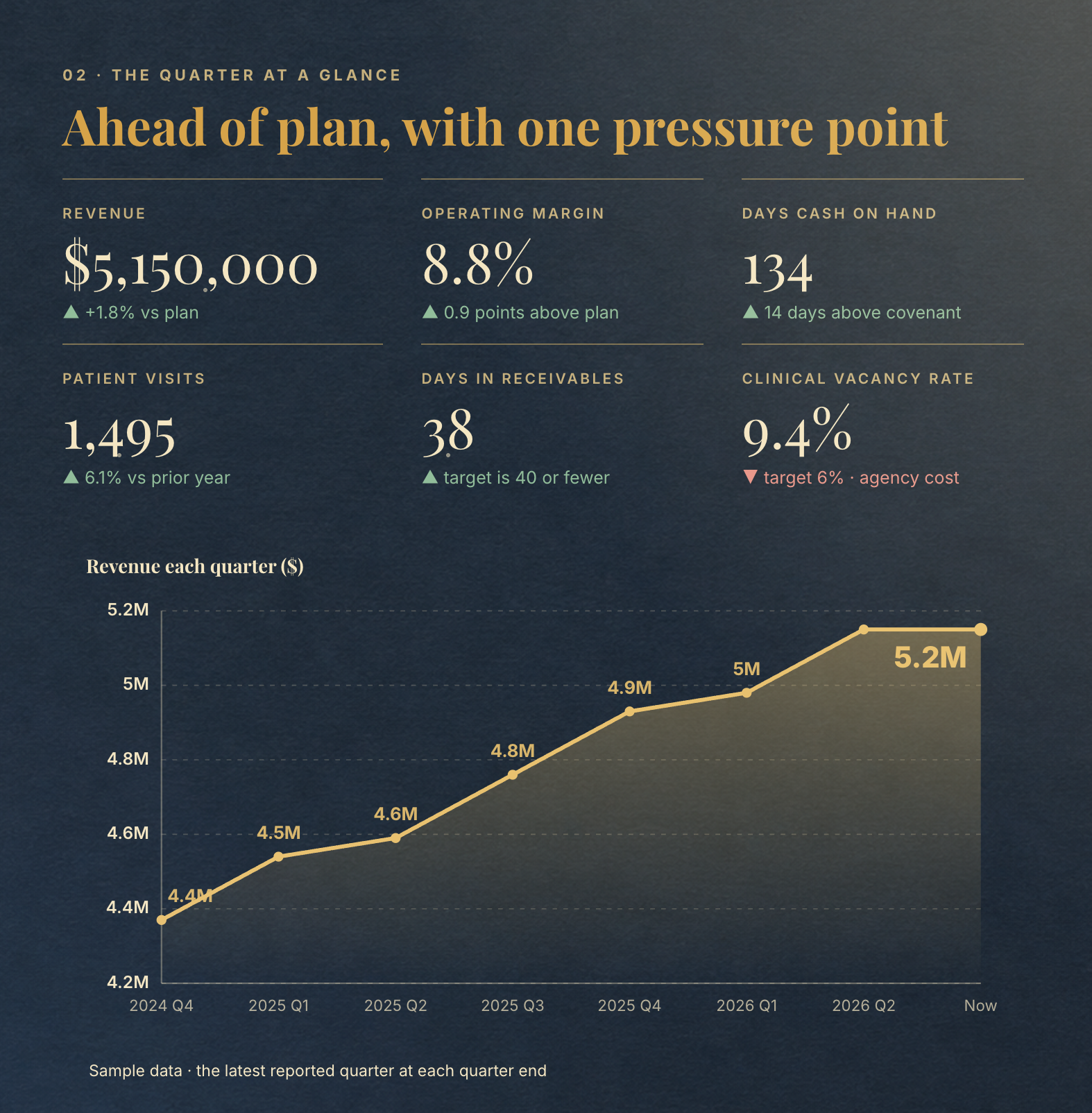
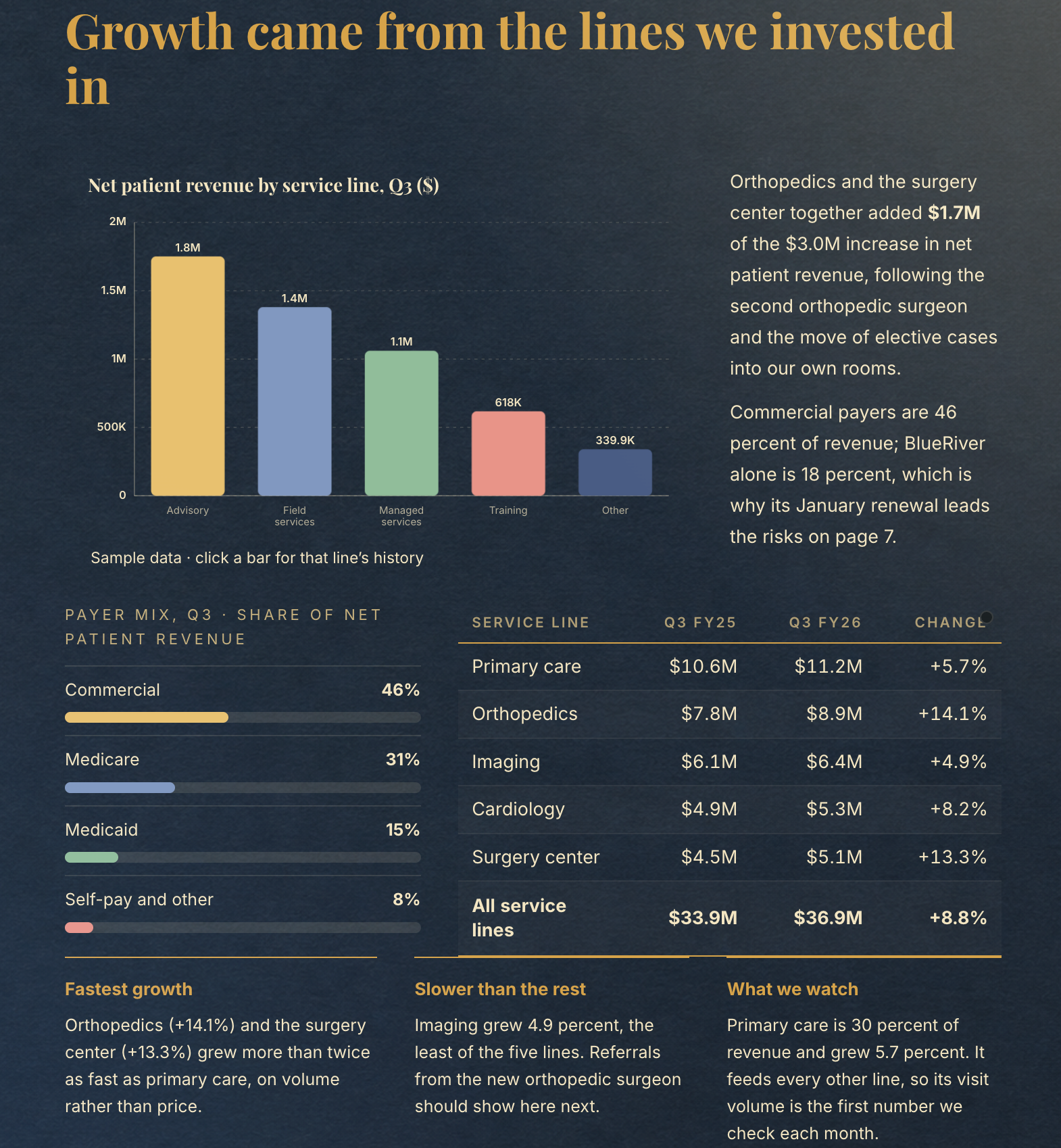
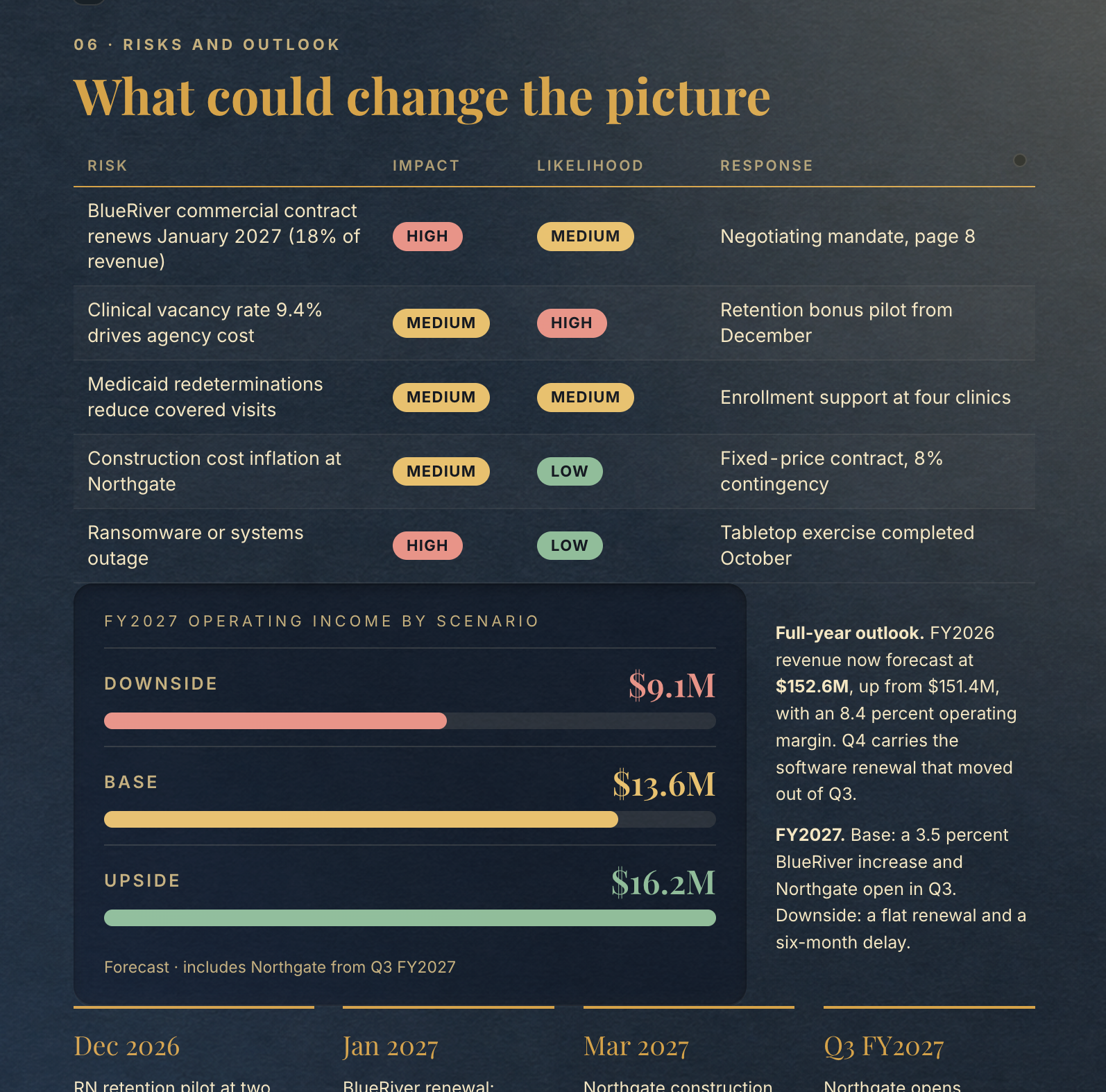
Automatically turn company information into polished documents for finance, operations, vendors, and your people. Adjust the page design and export in digital and PDF formats.
Explore Document Studio & PDF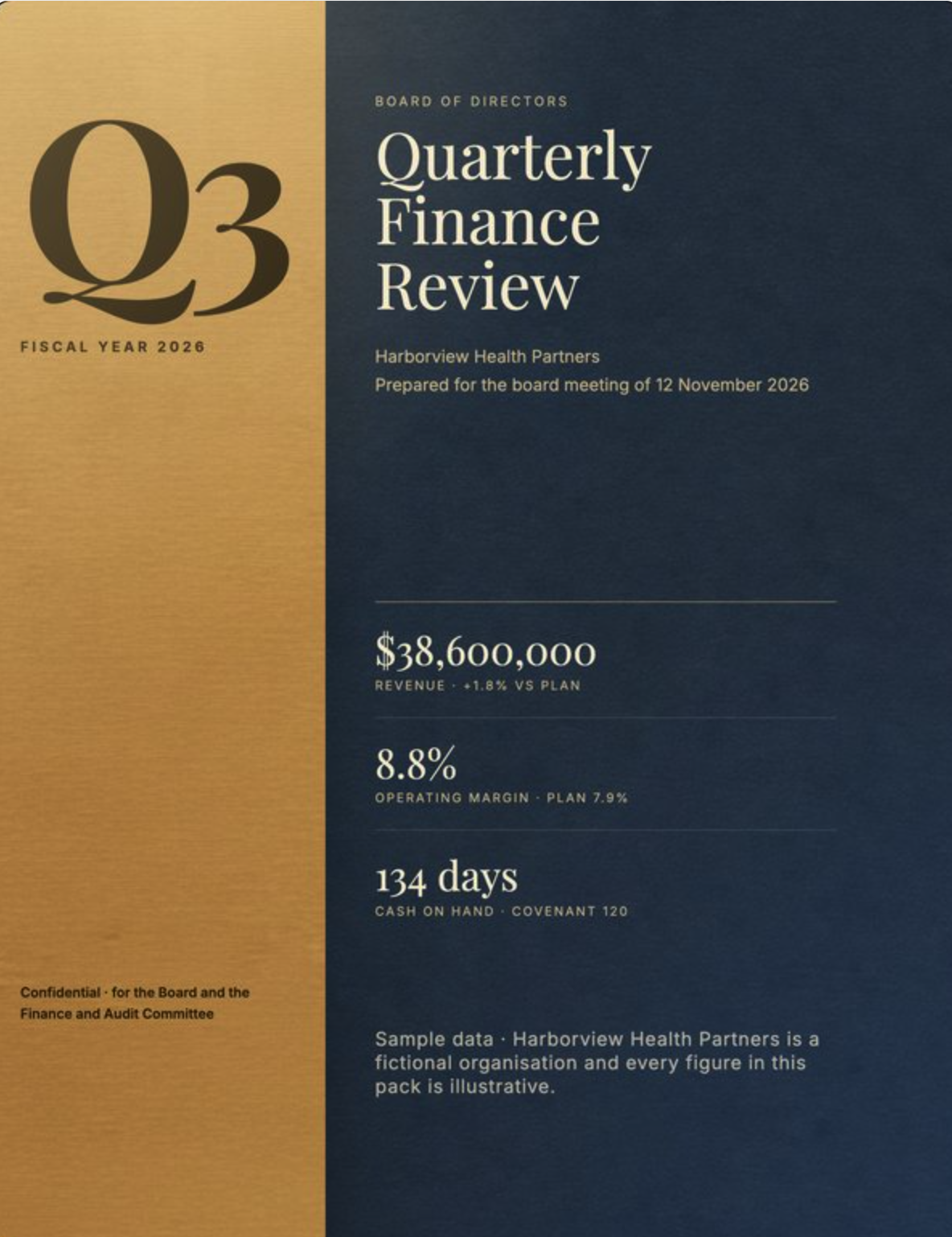
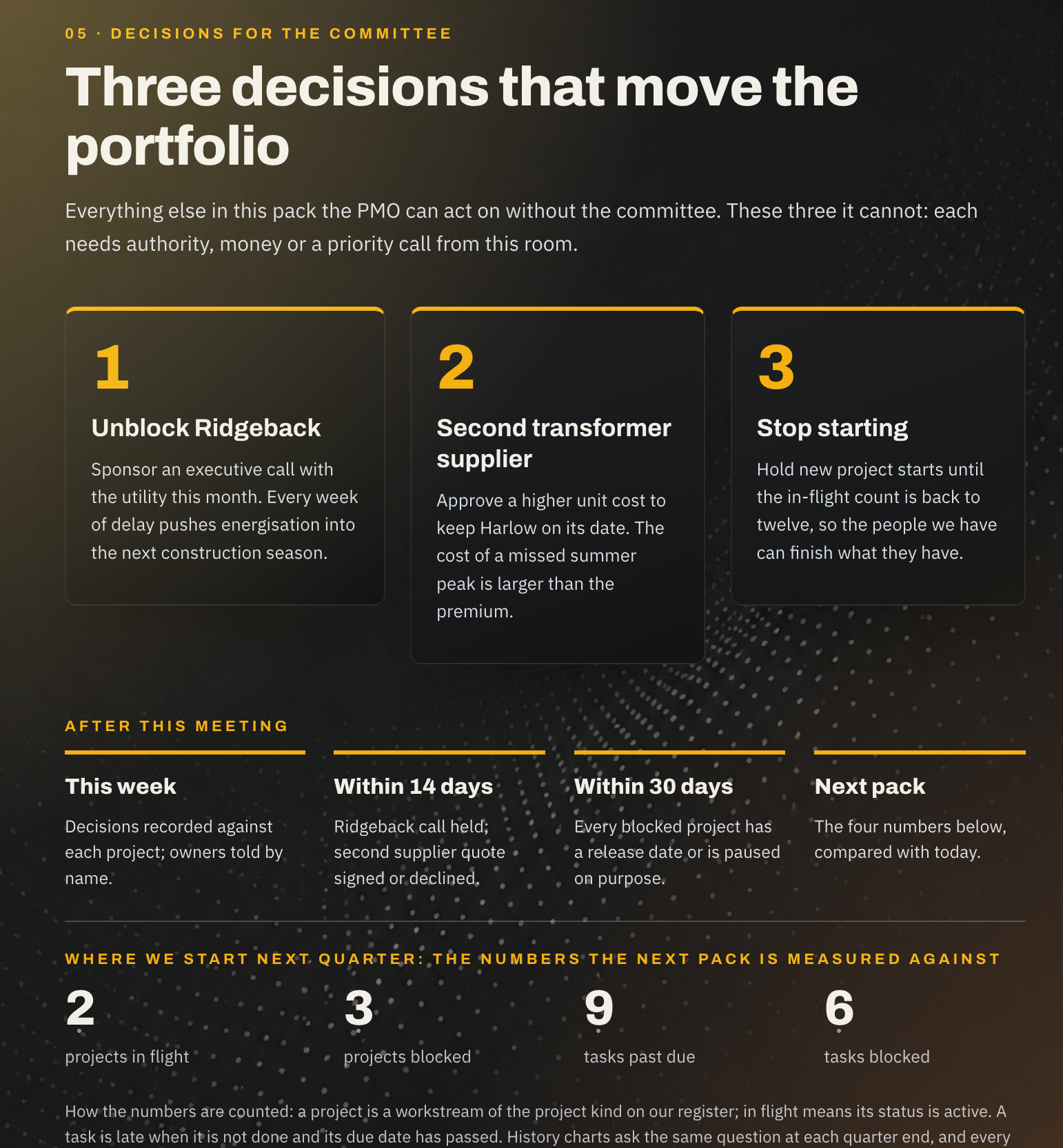
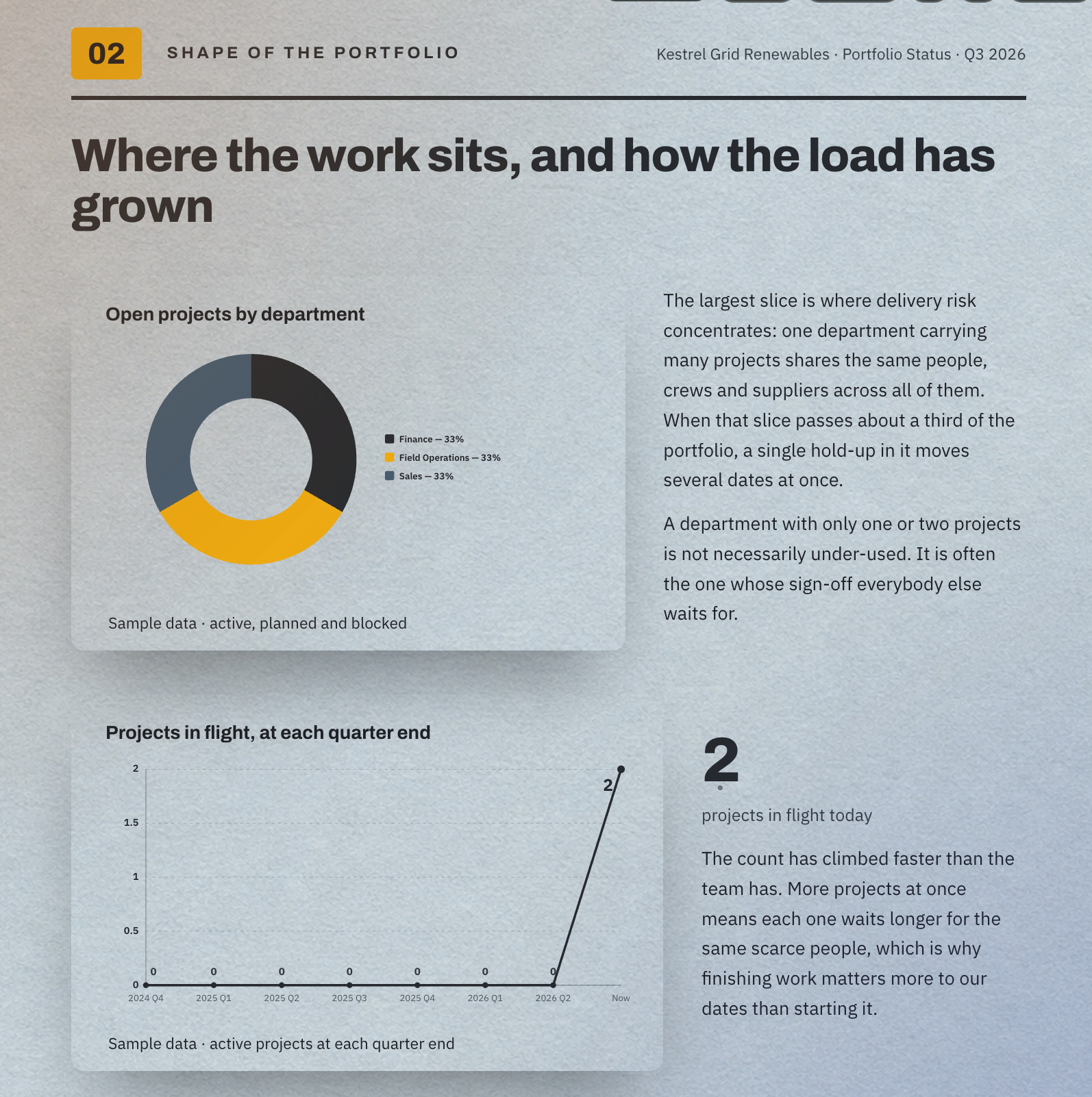
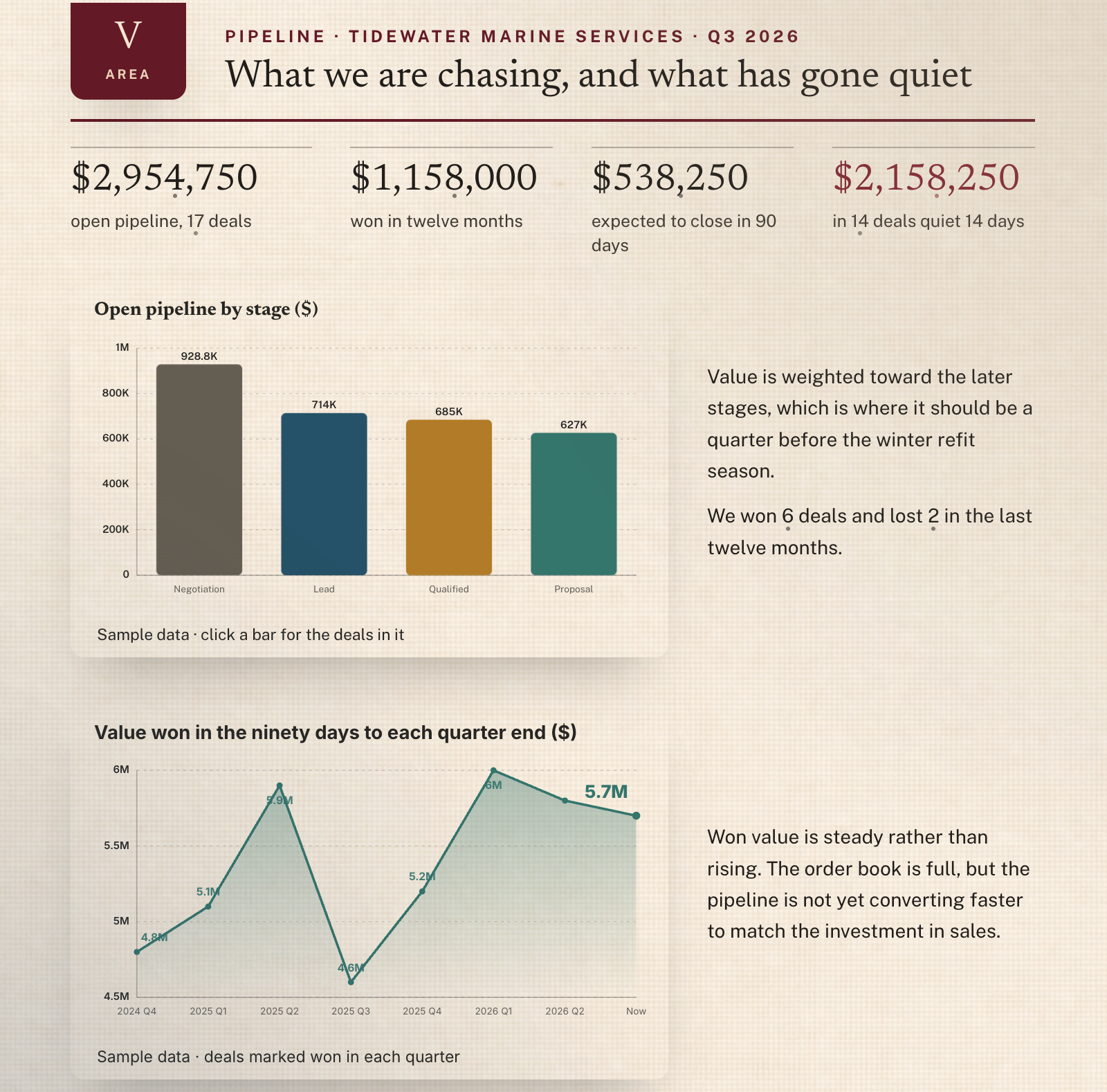
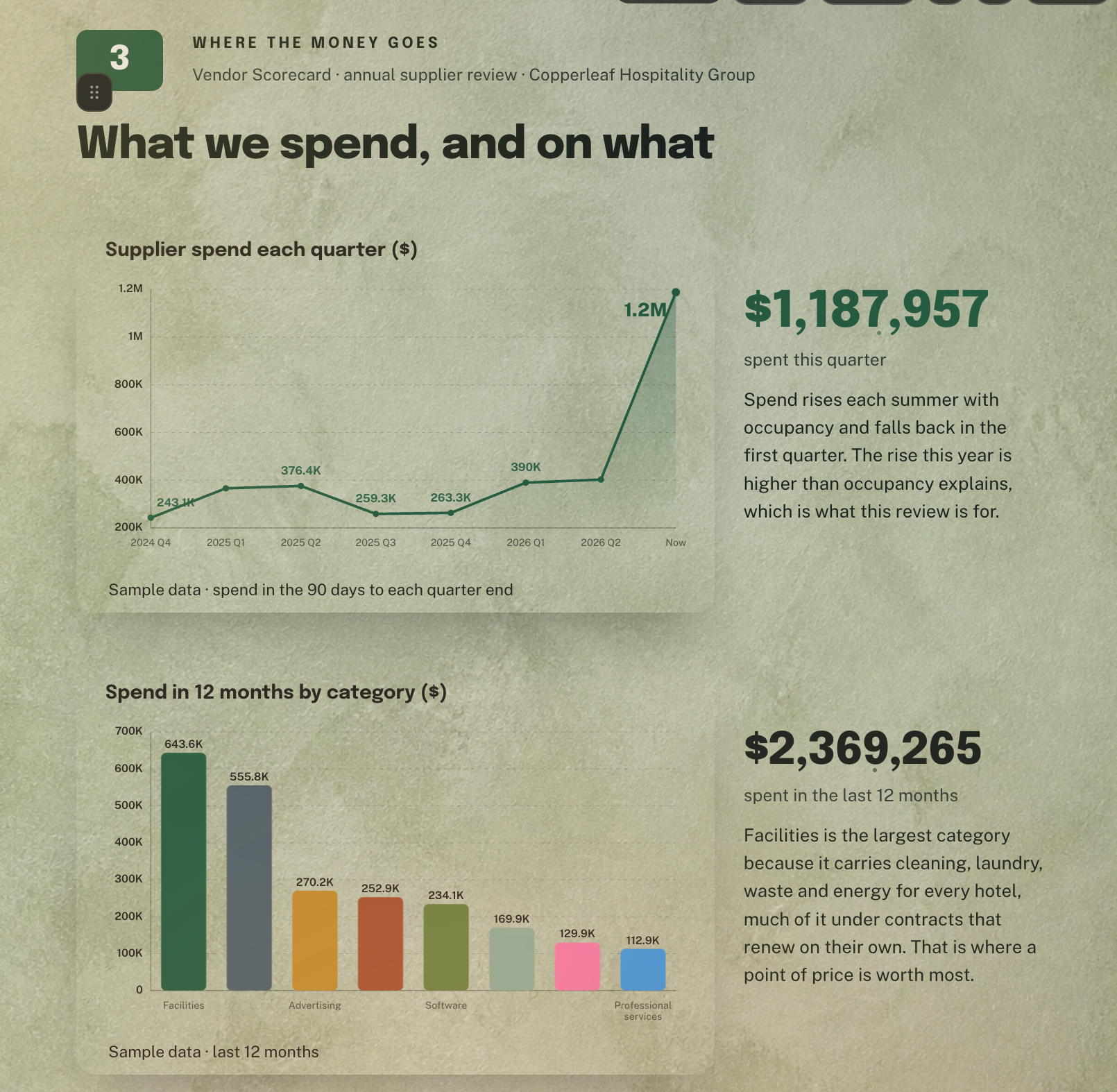
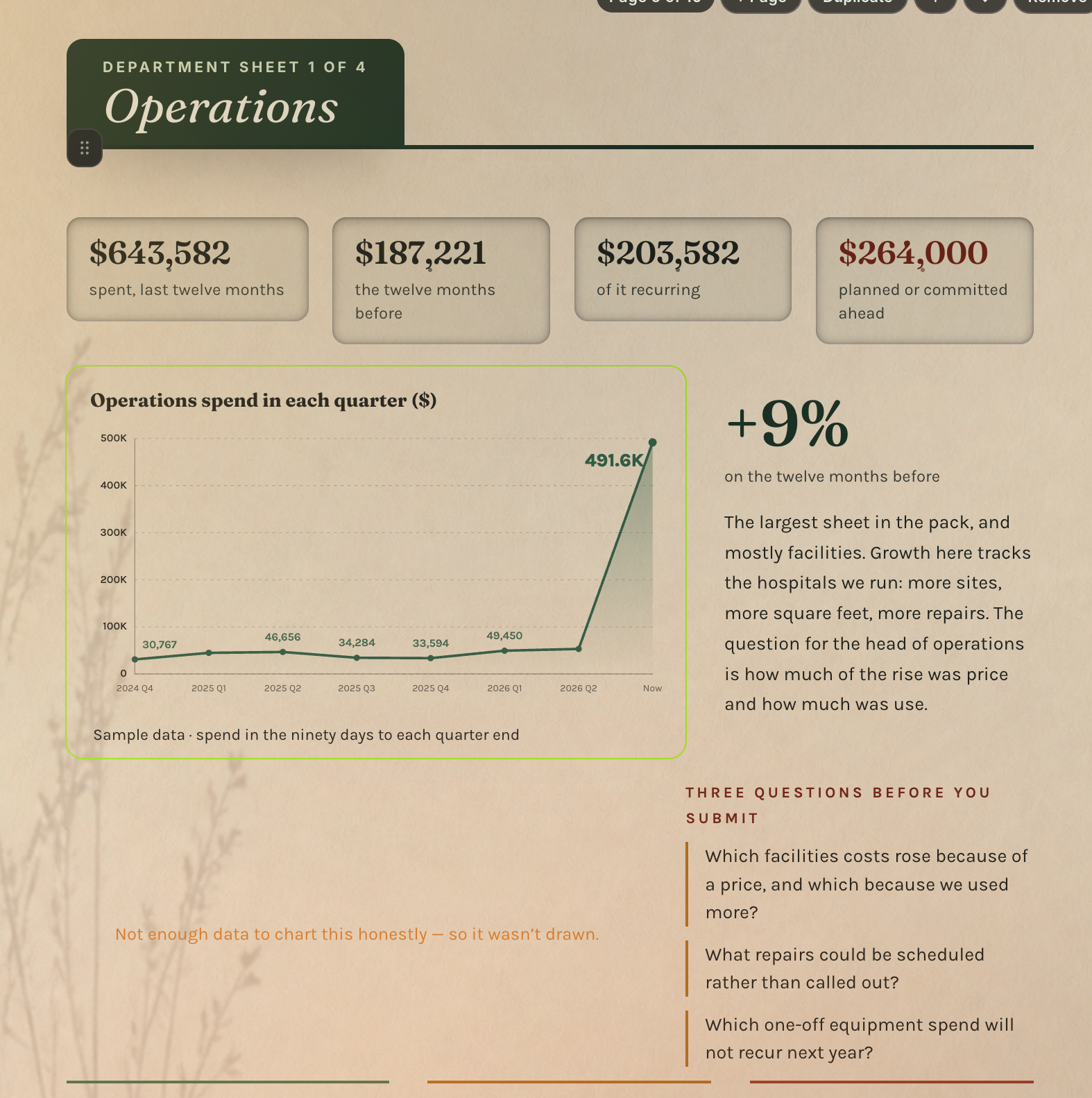
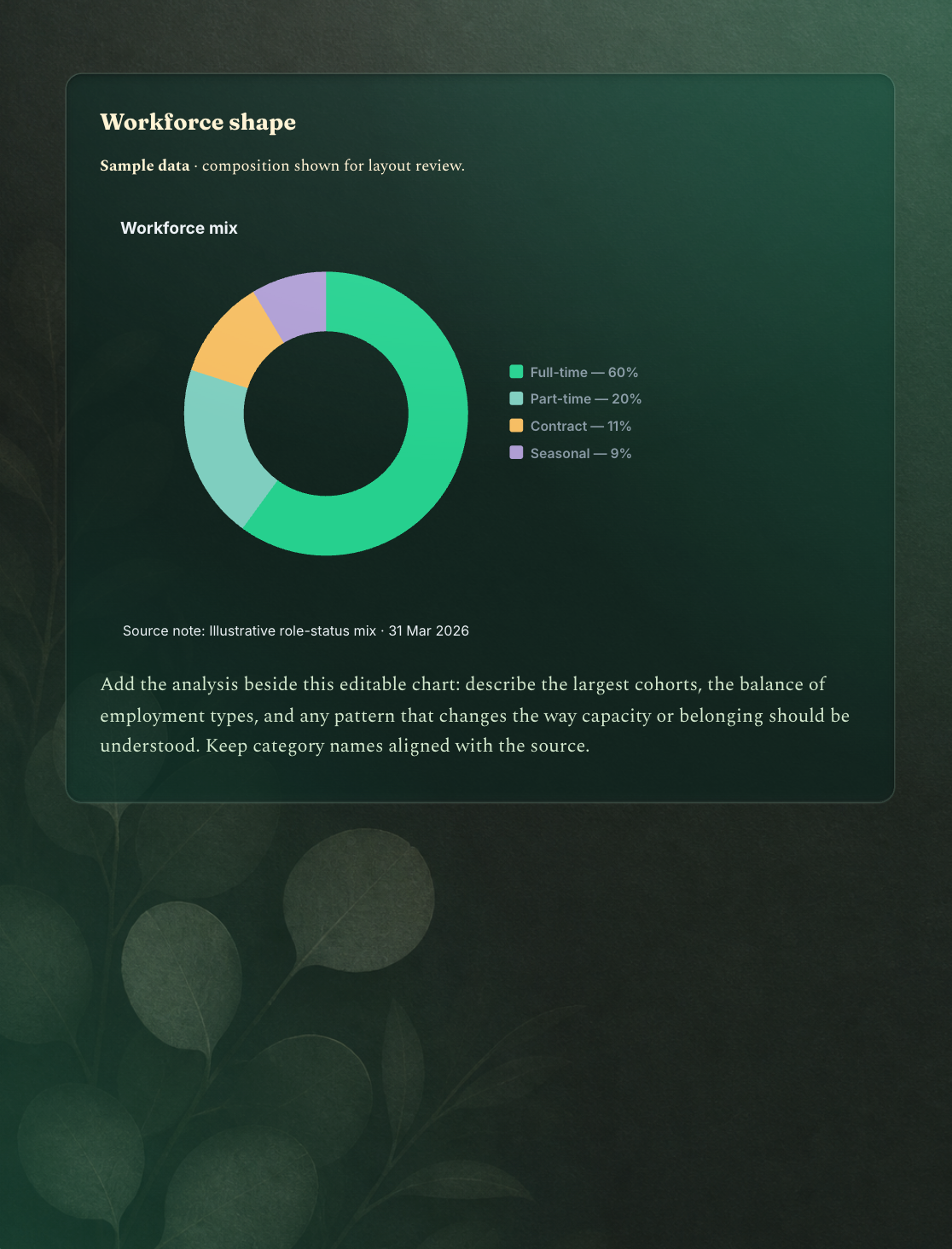
Step into nature with a VR headset, stretch with an exercise video, settle into a guided meditation, or listen to a short story. Four ways to recharge, right in the workday.
Explore Wellness

Choose a nature film or documentary and take a few minutes away from the work in front of you.
Browse flat-screen films ↗
In a headset, watch the film on a curved screen inside a panoramic nature scene. Or play it on your computer.
Explore VR escapes ↗Move, stretch, and reset between meetings.
Put on a headset and go somewhere else.
Find a calmer moment in your day.
Take a brief audio break from the work in front of you.
See how ocean creatures disappear in plain sight. Press play to watch here.
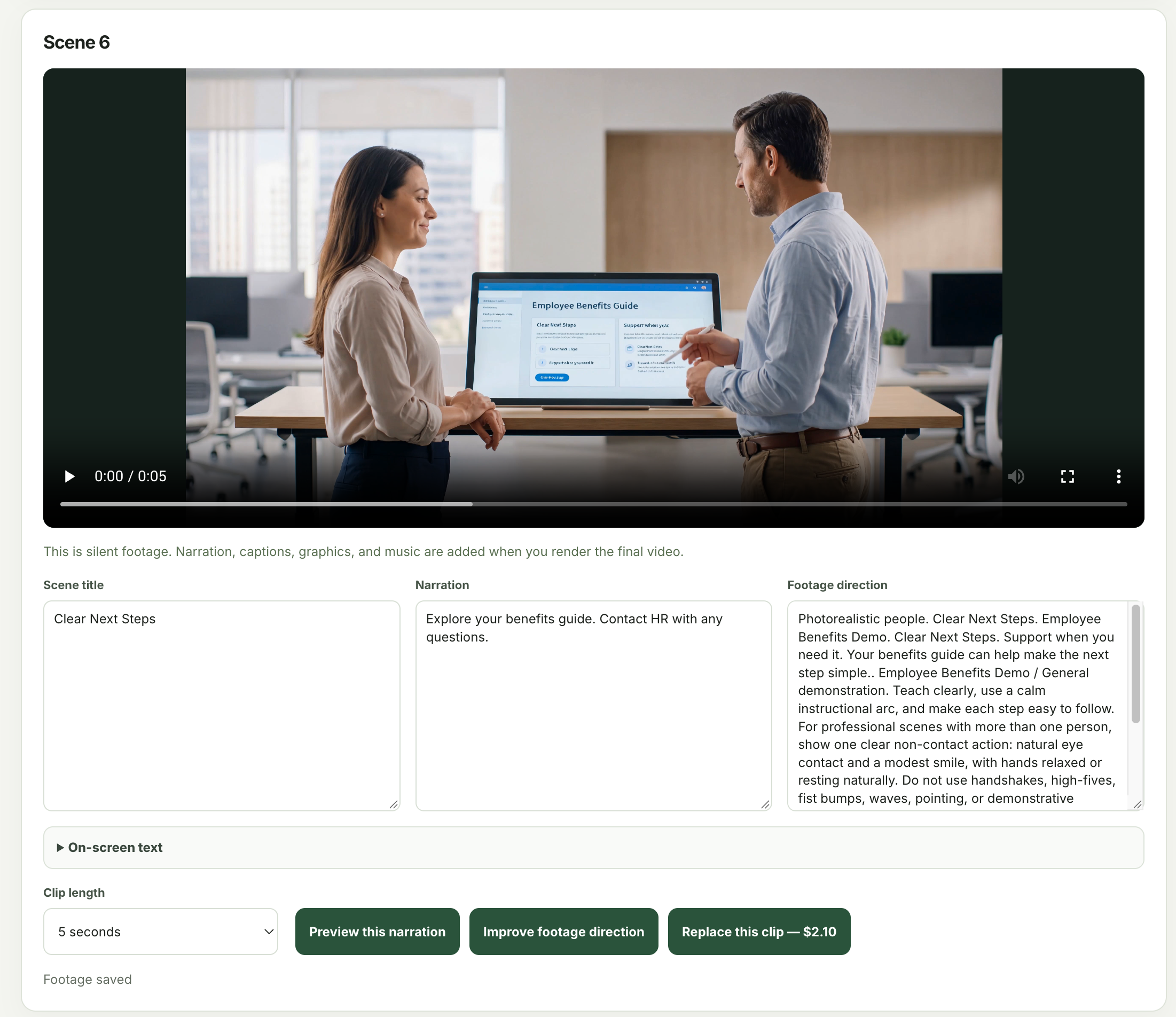
Turn source material into slides and scenes, edit the narration, and render a video.
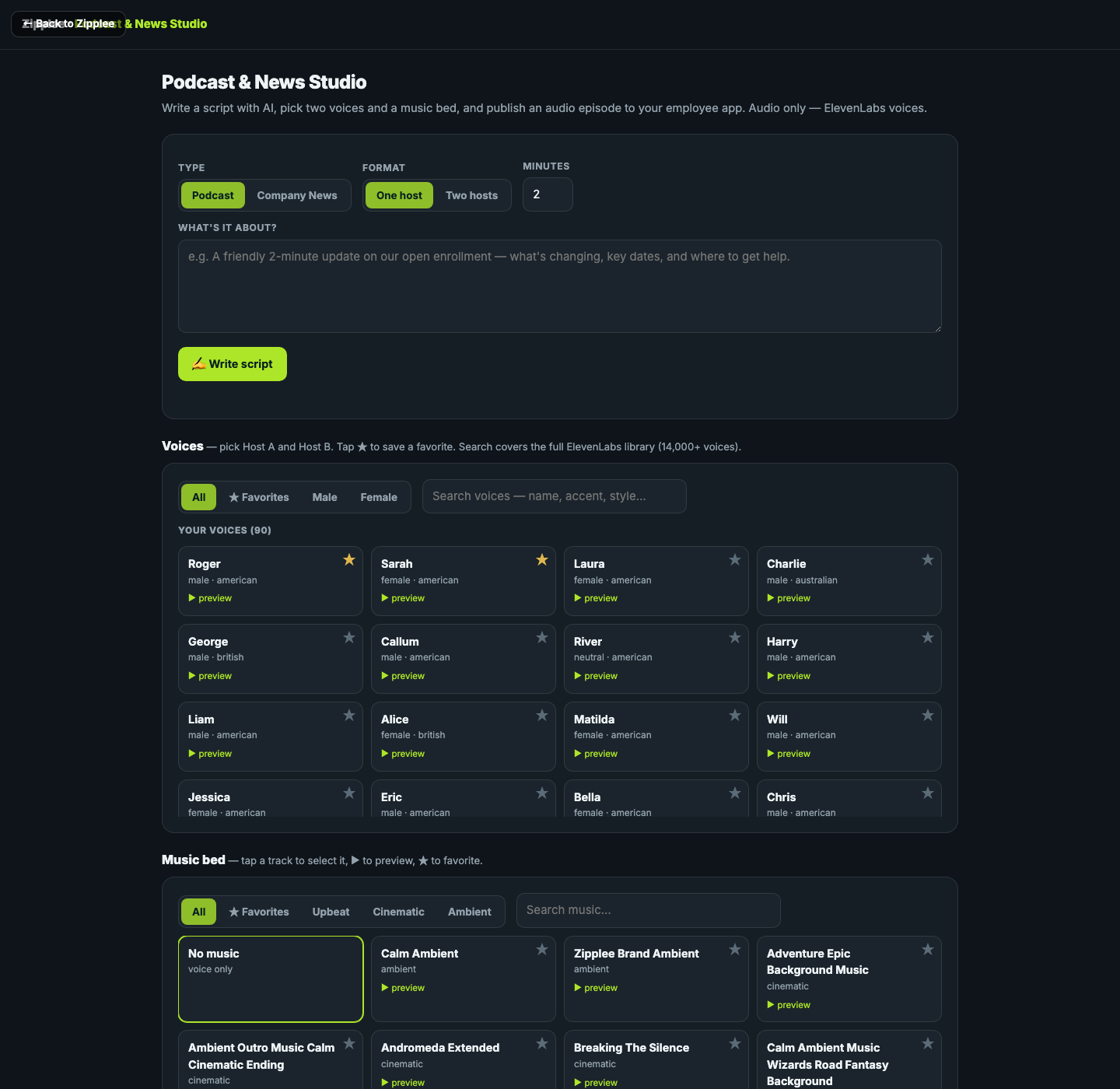
Explore Video StudioWrite an audio update, choose one or two voices, and publish it to the employee app.
Explore Podcast & NewsDental and vision, explained together.
See how employees use your content, courses, surveys, polls, and wellness resources.
Explore Analytics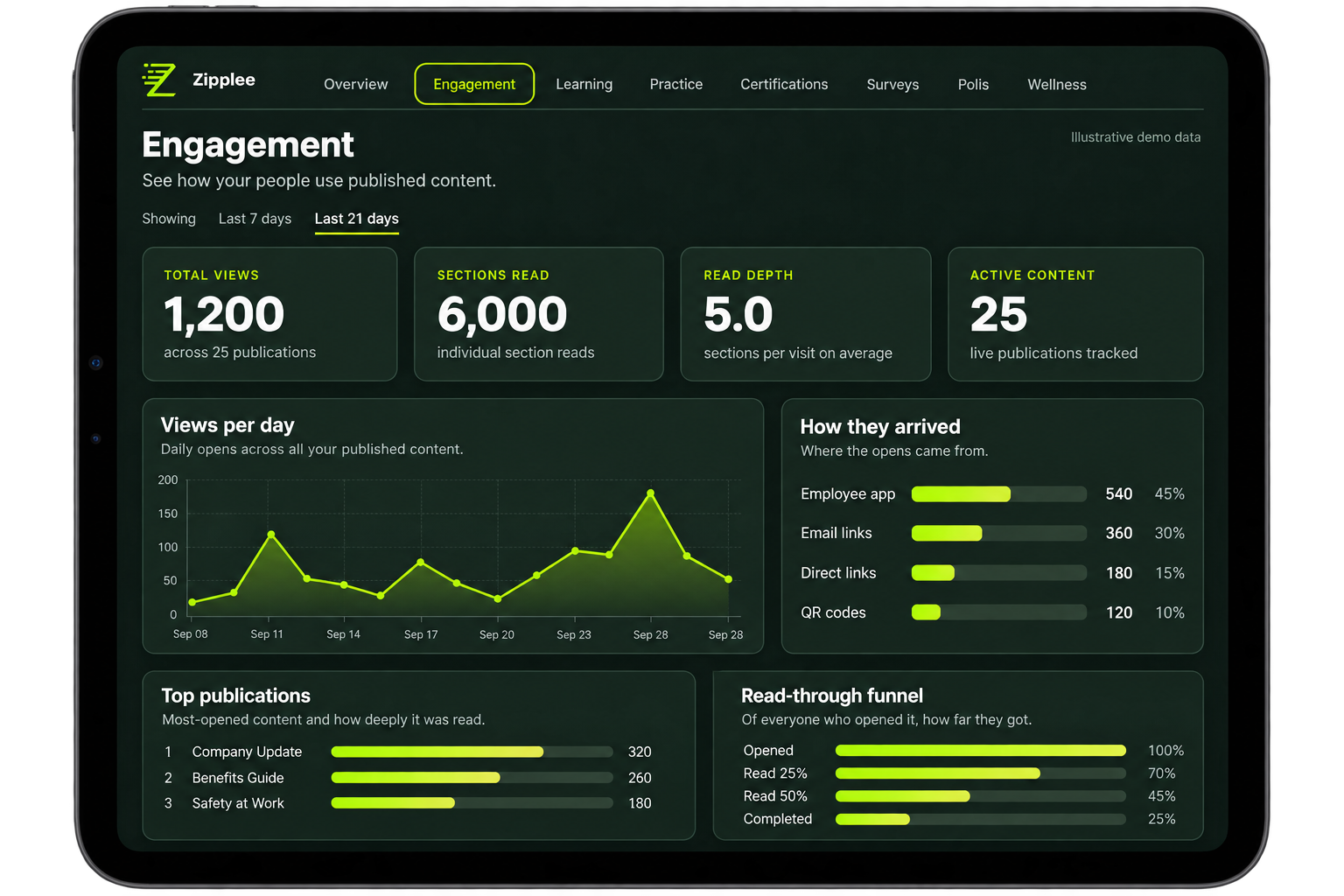
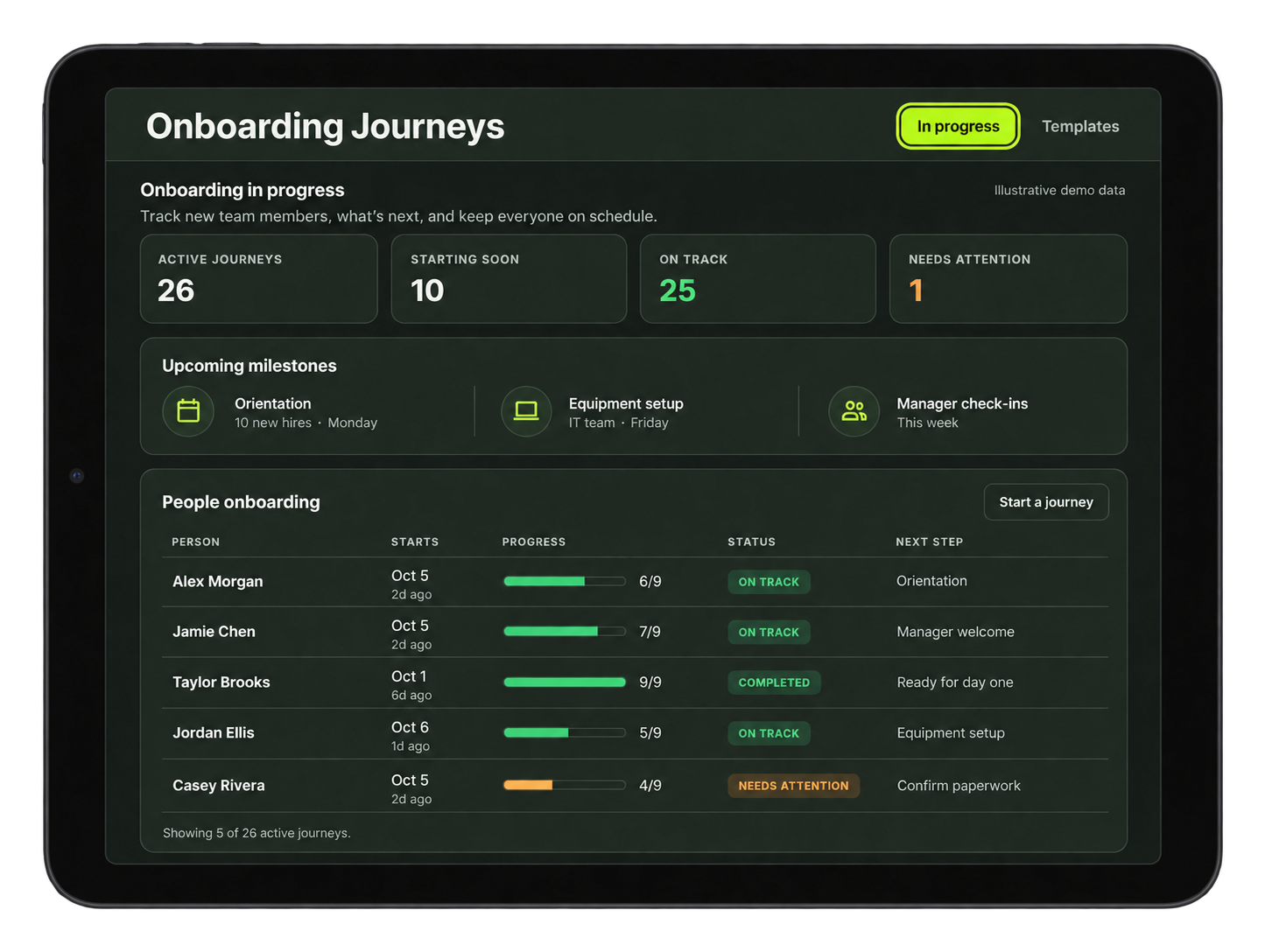
Collect new-hire information, assign onboarding steps, and track who owns each task.
Explore Onboarding & JourneysYour live camera feed appears inside the green circle on your avatar, using the camera on your computer, tablet, or phone. Build 3D worlds for meetings and events: place furniture, decorations, objects, documents, and video screens, then shape the lighting, music, and scripted workflows that guide the experience.
Explore Virtual Meetings & Events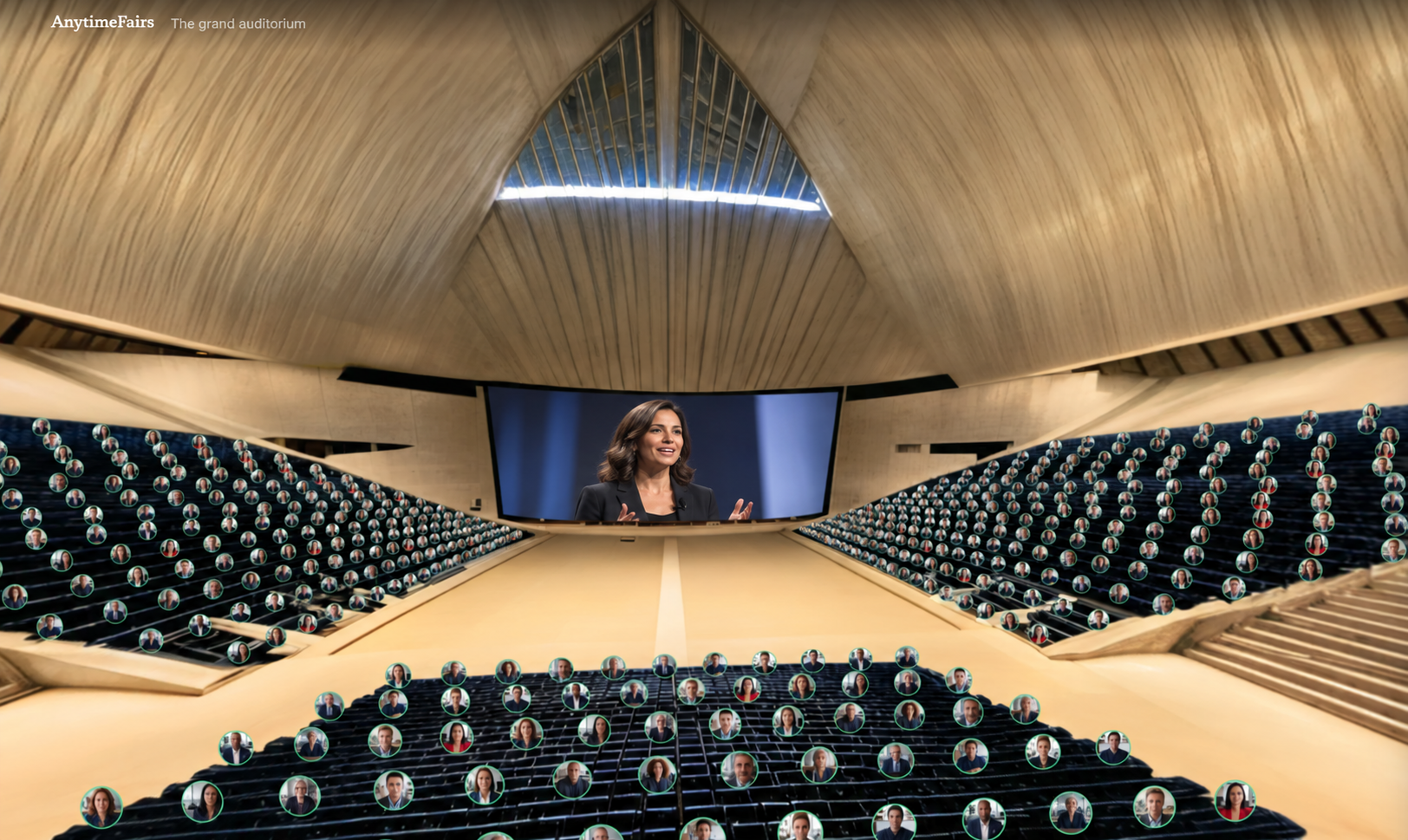


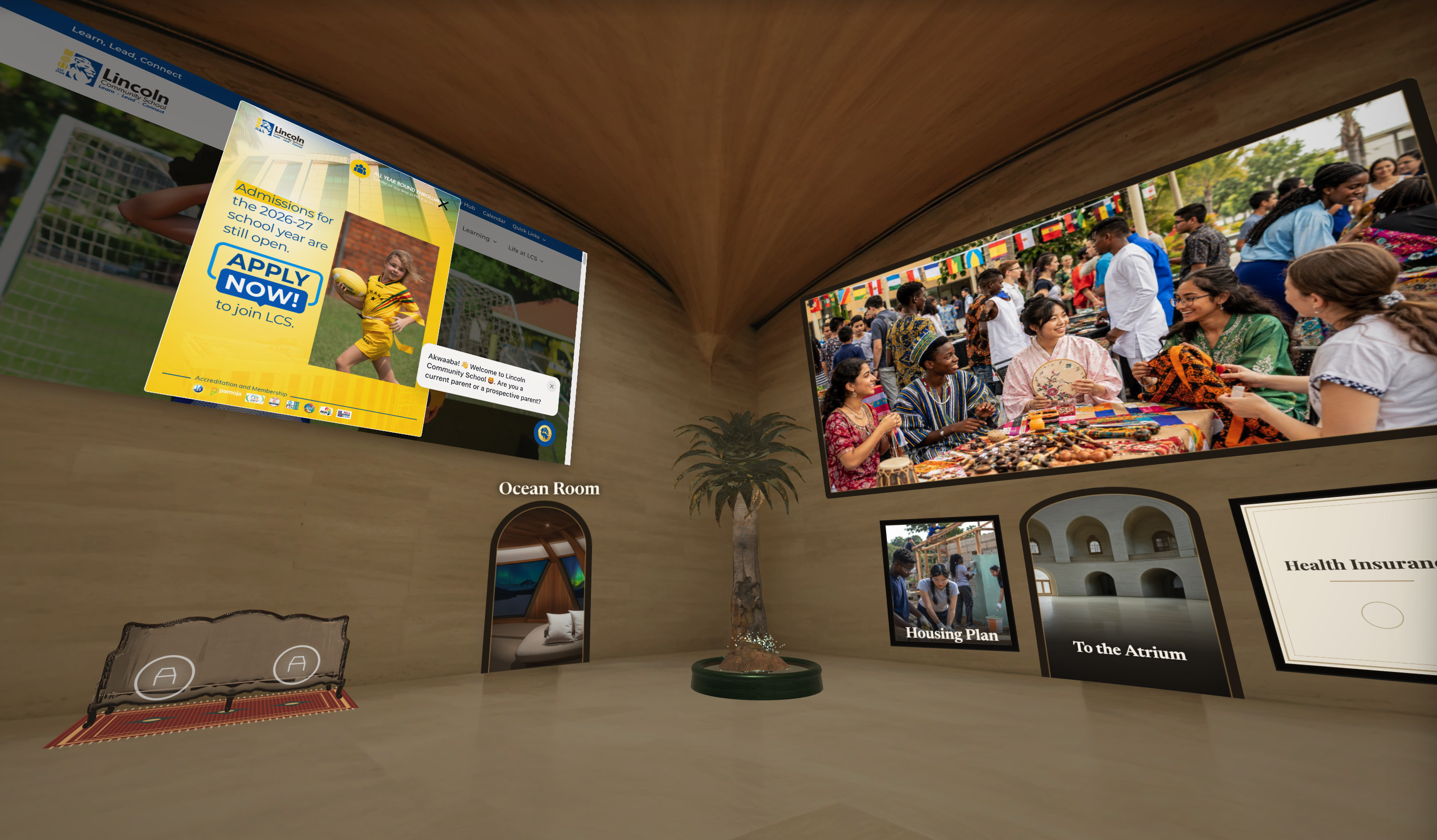
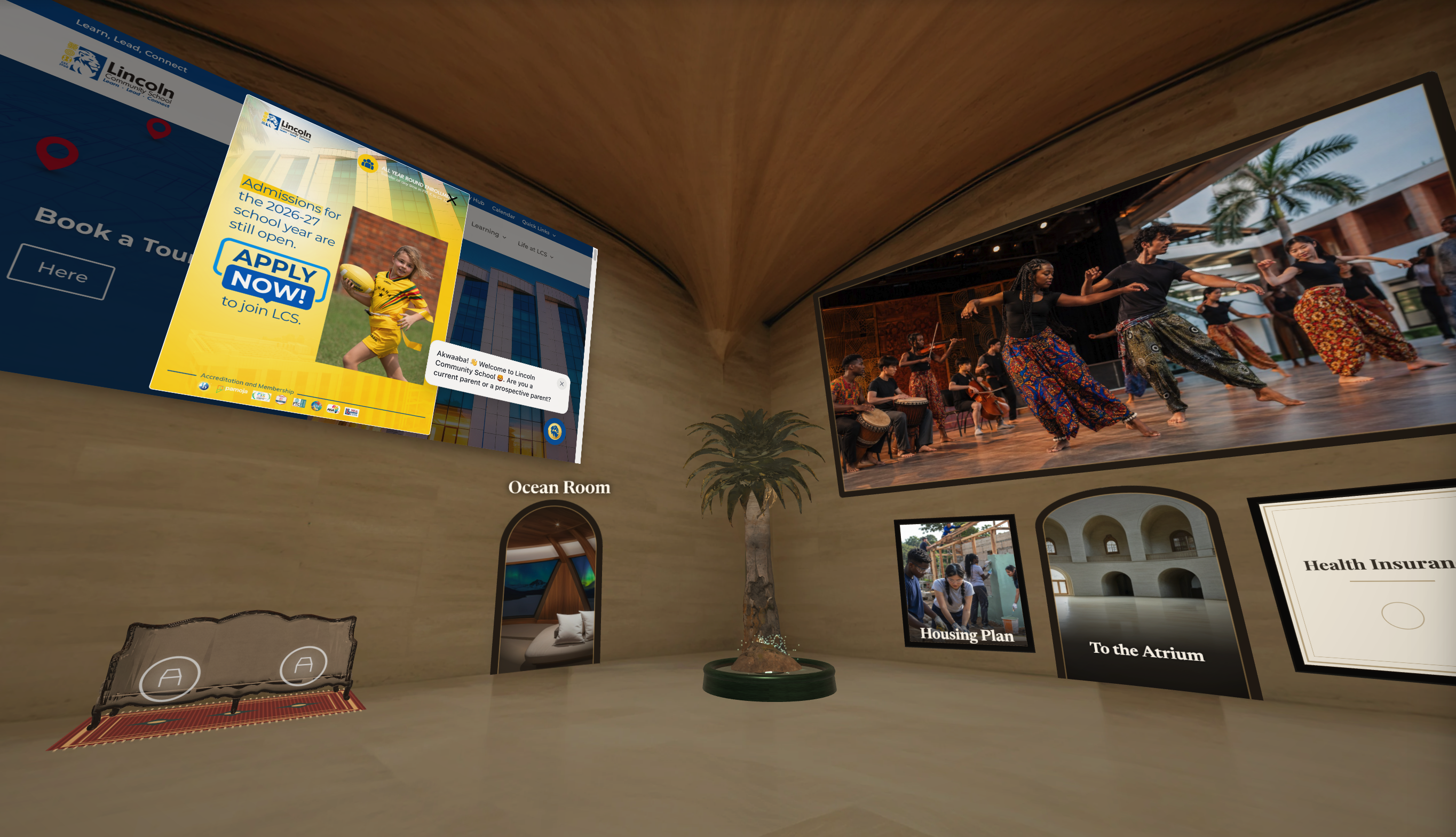


Help employees understand their benefits with guides, plan comparisons, enrollment messages, and total rewards.
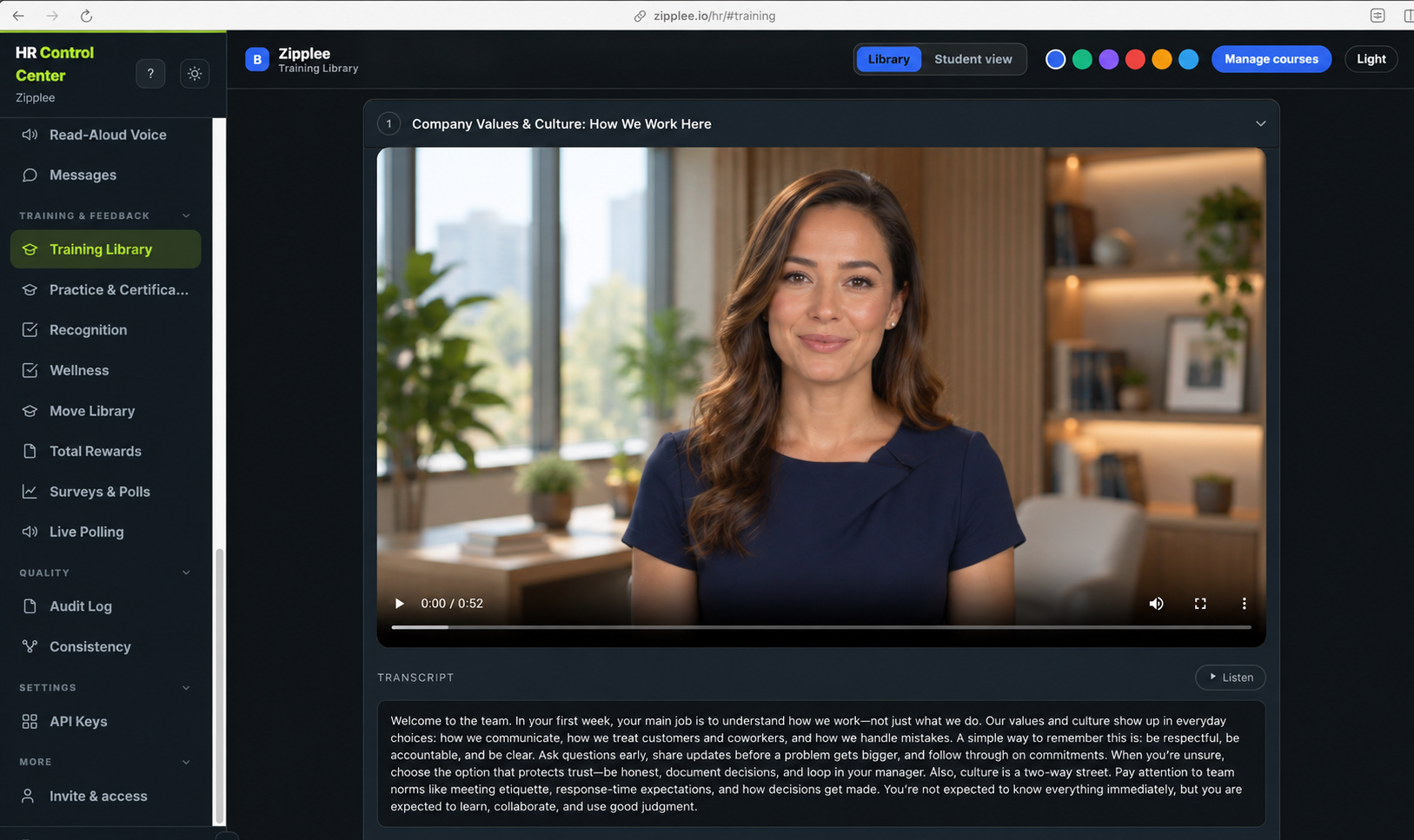
Explore Benefits & EnrollmentEmployee Training connects courses made from your material, spoken AI practice, and certification pathways. Five Days and Fieldwork extend learning into individual decision-making.
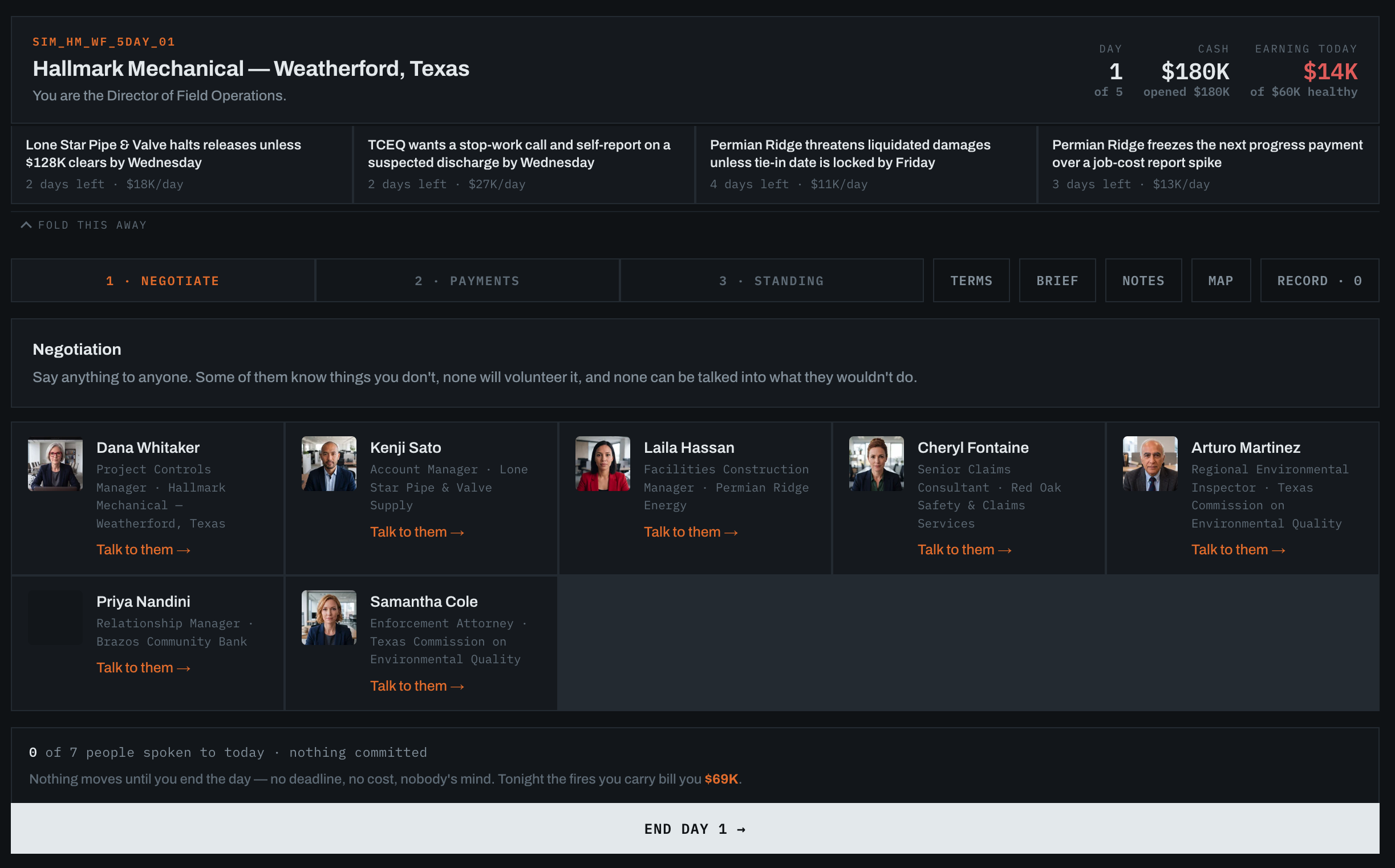
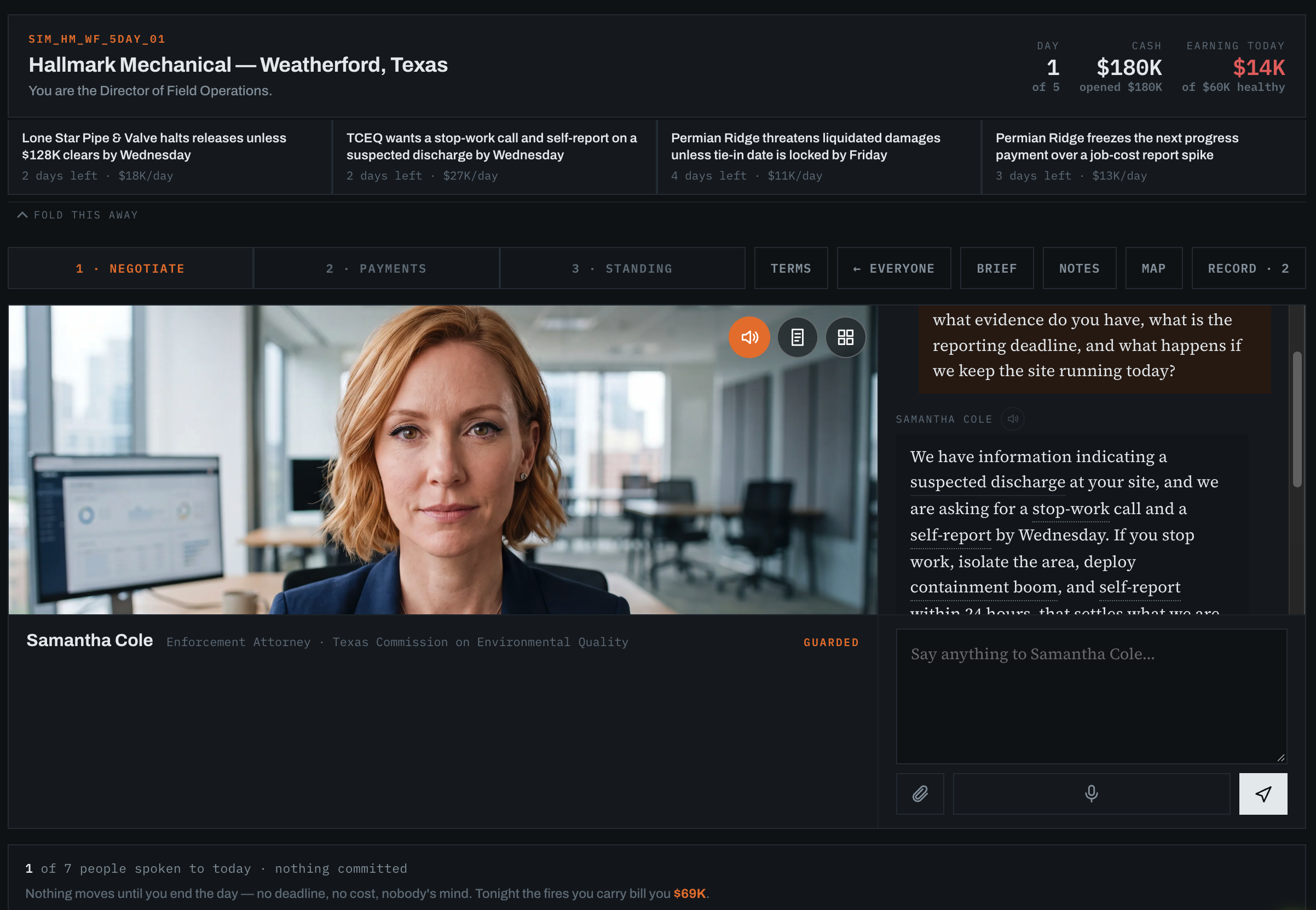
Help HR see how candidates handle the work before making a hiring decision. Put each candidate into a simulation of how your business works, with the kinds of problems they would face in the role. Watch how they ask questions, weigh trade-offs, and make decisions. Review what they did and use those specific moments to ask better follow-up interview questions.
Explore Five DaysPut a candidate inside a living company and watch how they work through pressure. They explore the operation, talk with the people closest to the work, gather evidence, and make decisions across five simulated working days in one short session.
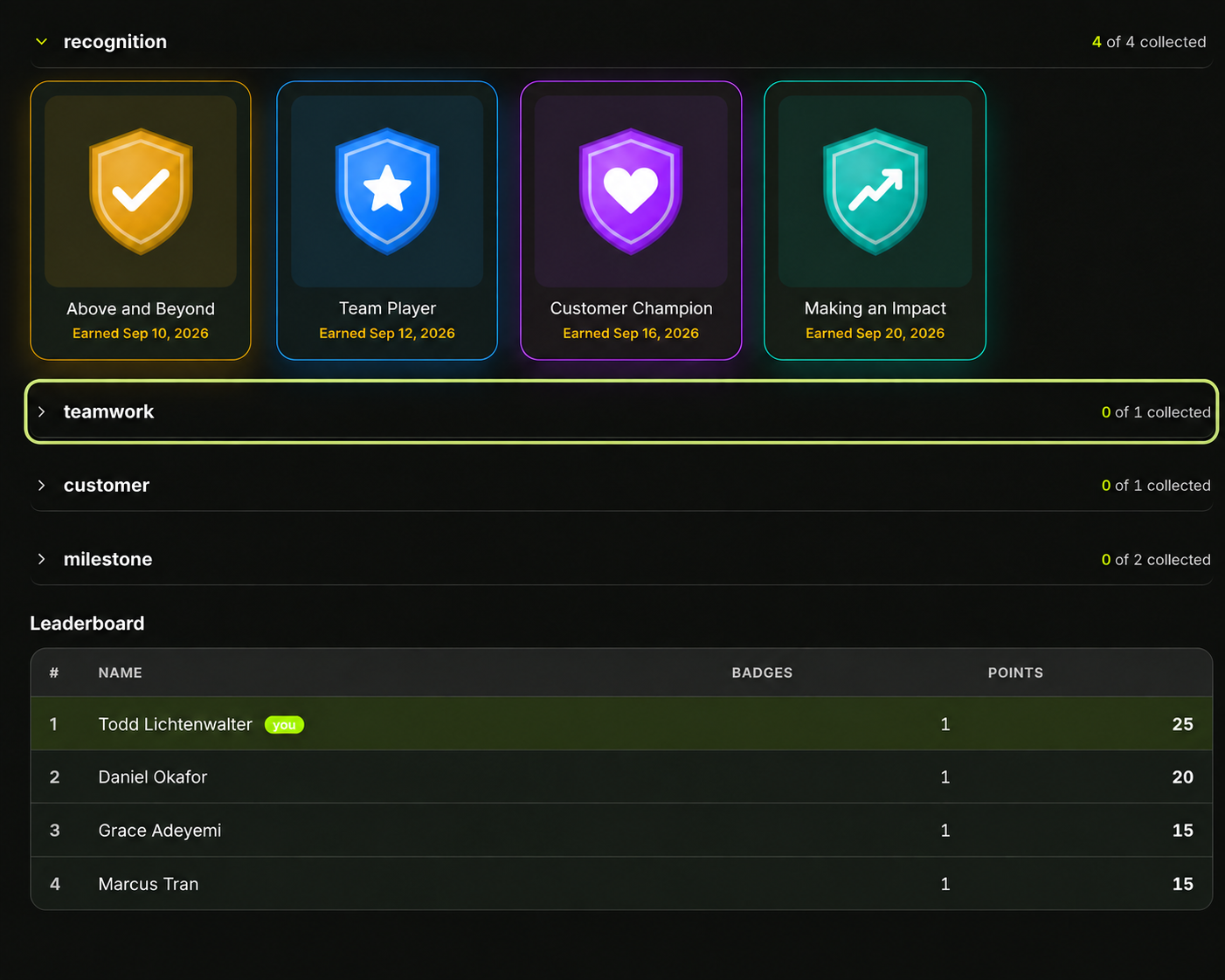
Explore FieldworkPlan company messages, share news, recognize employees, and gather feedback through surveys and polls.
Explore Communications & RecognitionOrganize approved company documents, control which audiences can use them, and review corrections when facts change.
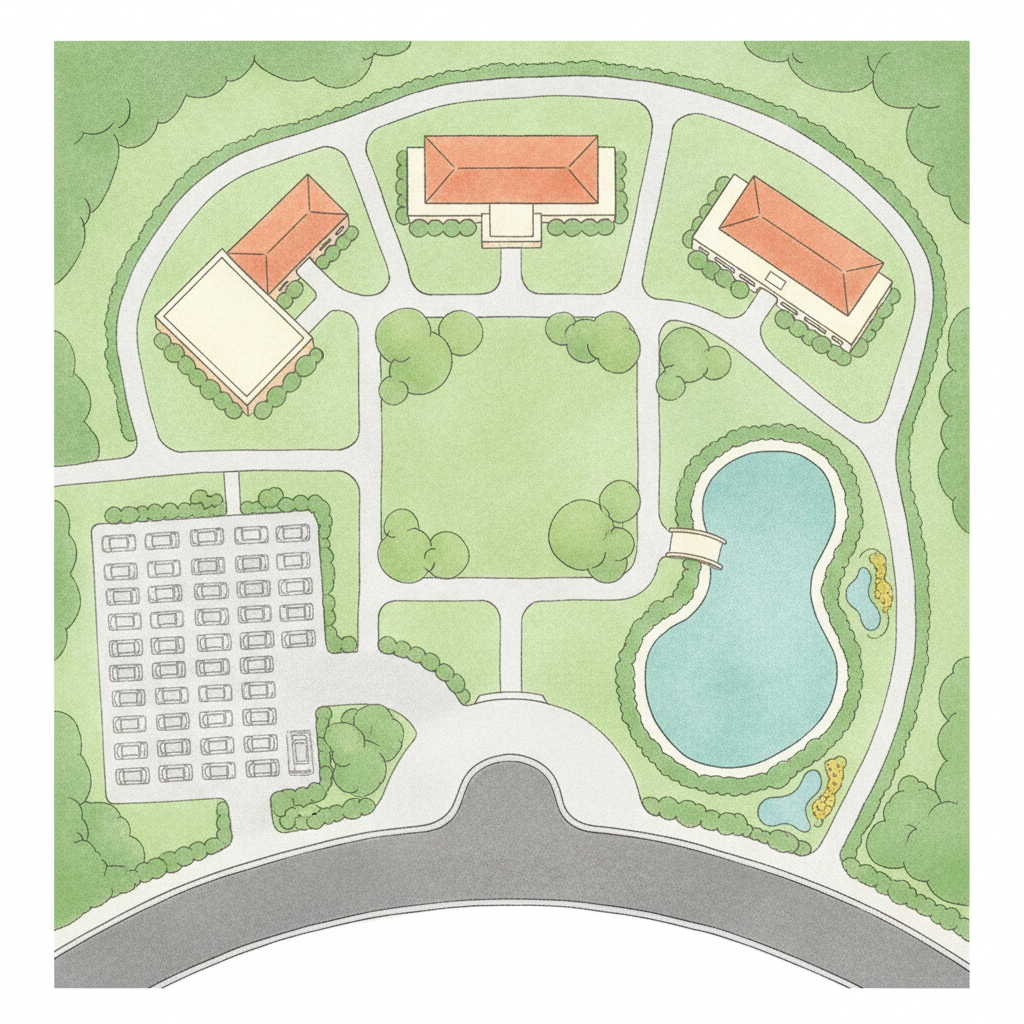
Explore Consistency & KnowledgeBuild guided tours and learning stops using location maps, labeled photographs, and floor plans.
Explore Waypoints Studio & Maps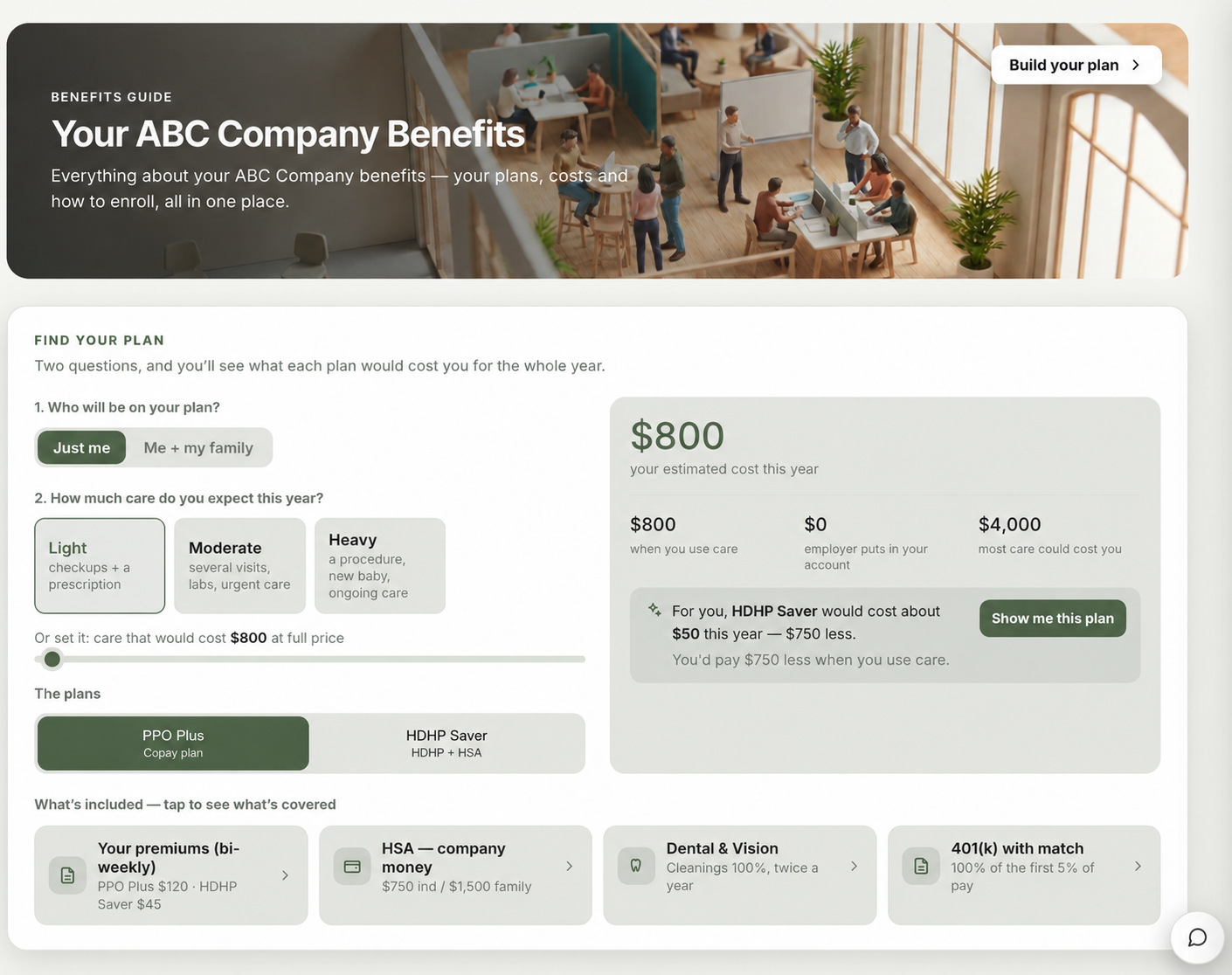
Manage employee records, time off, performance reviews, and publication approvals.
Explore People & HR OperationsPublish product information, set purchasing limits, and track contracts and spending commitments.
Explore Commerce