Plan on a calendar
Place a single message or a ready-made series on the color-coded Communications Calendar. Set its audience, date, channels, and optional linked item; move it to another day and preview recipient counts. Calendar items currently remain in preview mode.
Publish company news
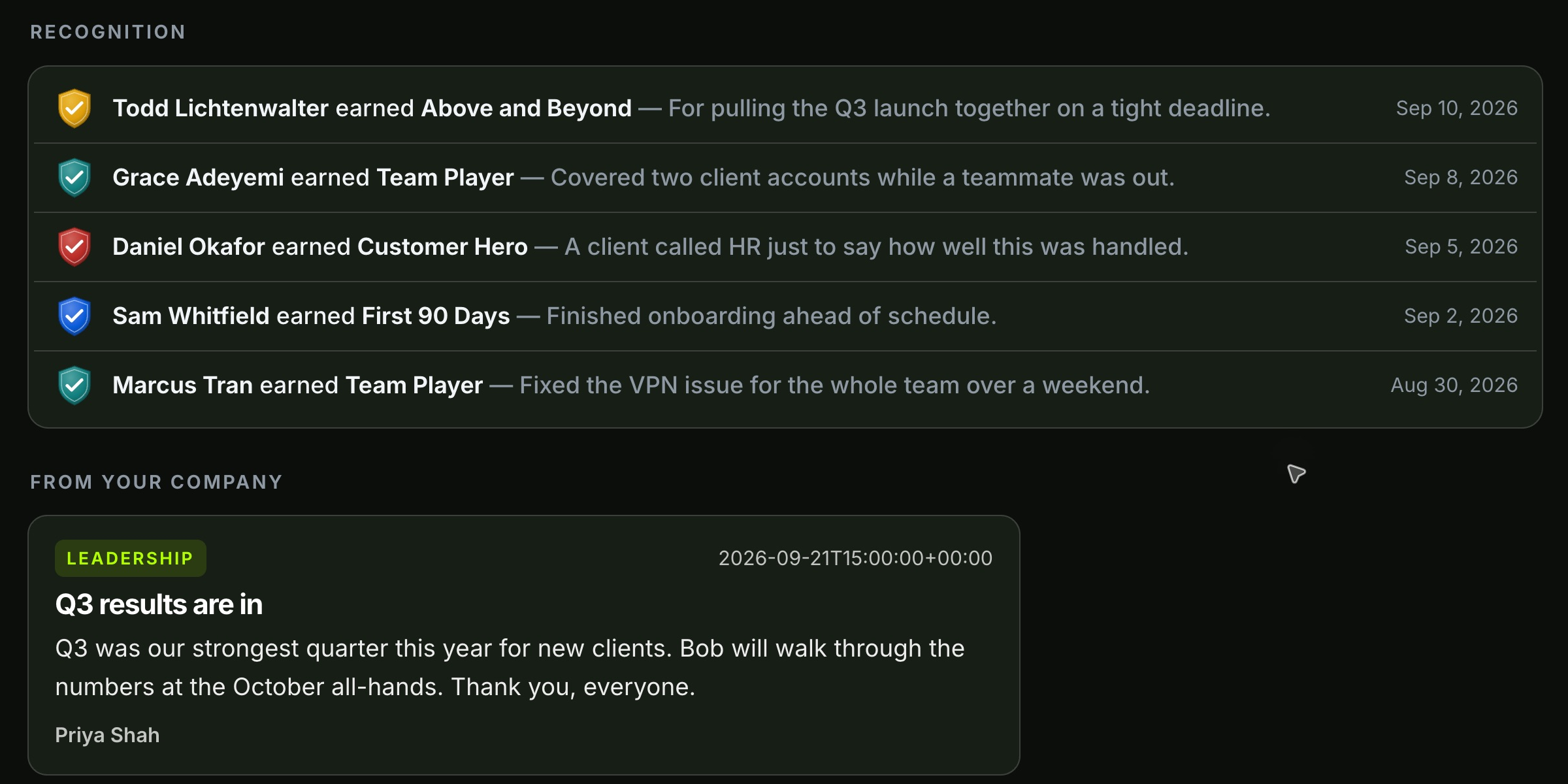
Write a Company news or Leadership message with a title, author, and date. Save the post, then choose “Publish to employees” to make it appear in the corresponding employee-hub tab.
Build a badge people can earn
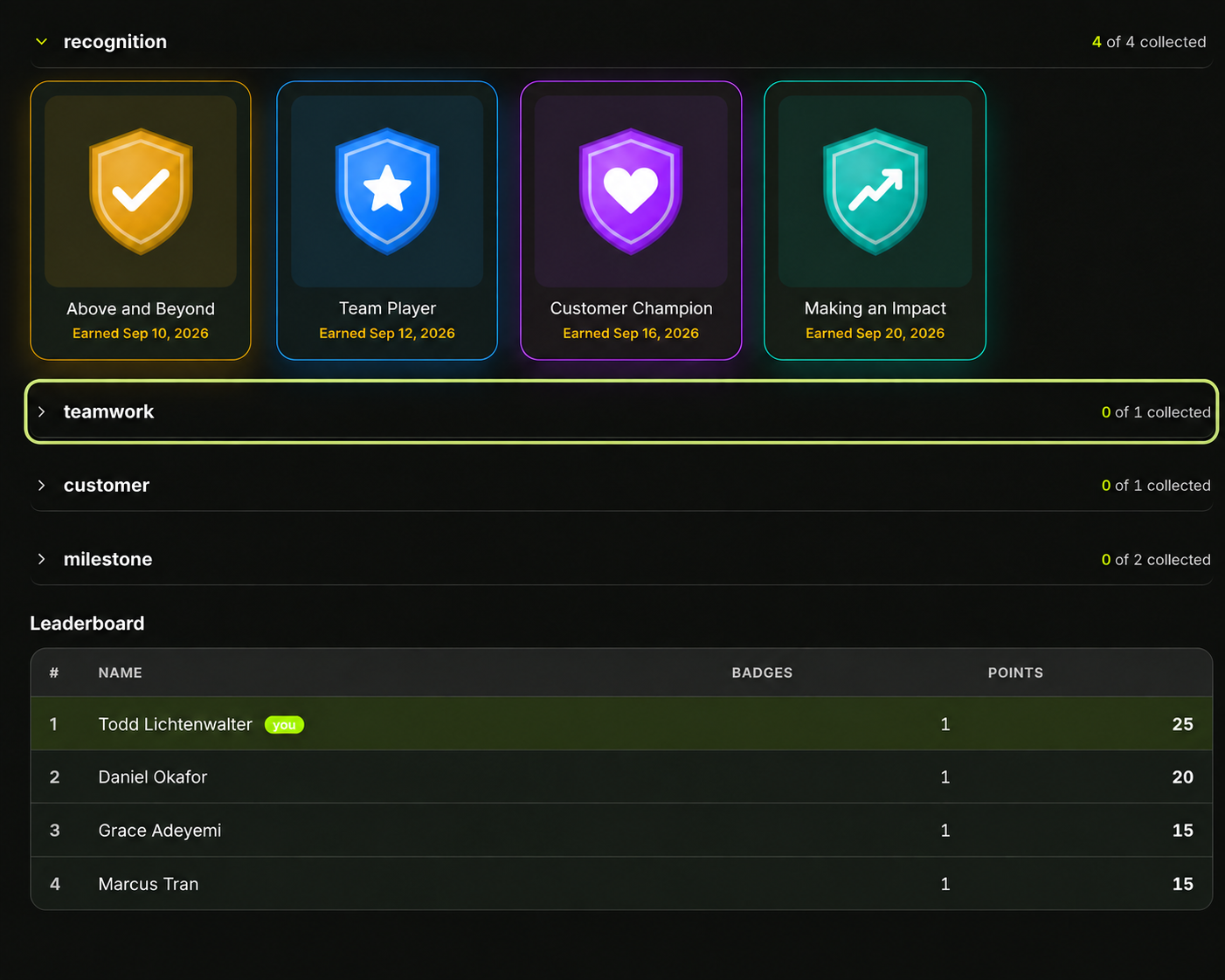
Give each badge a name, category, color, and points. Choose a vector design or create an illustrated badge set with a shared style; artwork becomes an award only when you create a badge from it.
Recognize publicly or privately
Award a badge with an optional personal note. Announce it company-wide on the feed and leaderboard, or choose “Just this employee” so only the recipient and HR see the award.
Reward milestones
Set eligible badges to award automatically when an employee completes training, passes a quiz, or reaches a 7- or 30-day wellness streak. HR can also award badges manually.
Ask the right people
Create a quick poll or longer survey by hand, from a description, or from a document. Mix single choice, multiple choice, 1–5 scale, and free-text questions; target everyone, departments, or specific employees.
Run a live room poll
Build a presenter-led question or question deck. Attendees join without signing in by code or QR, answer on their phones, and follow the question shown on the screen. Choose anonymous or named participation when setting it up.
Read the response
Review live aggregate charts for employee surveys. In the presenter experience, show incoming poll results, request an explanation of them, and download a CSV for follow-up.