Create / Document Studio & PDF

Make the document. Own the next revision.

Create a benefit guide, handbook, report, policy, or one-page notice from a blank page, a structured template, your own material, or a brief for Zip. Edit the words and the page in one studio. Keep the working document, then choose how to publish, share, or export the finished version.

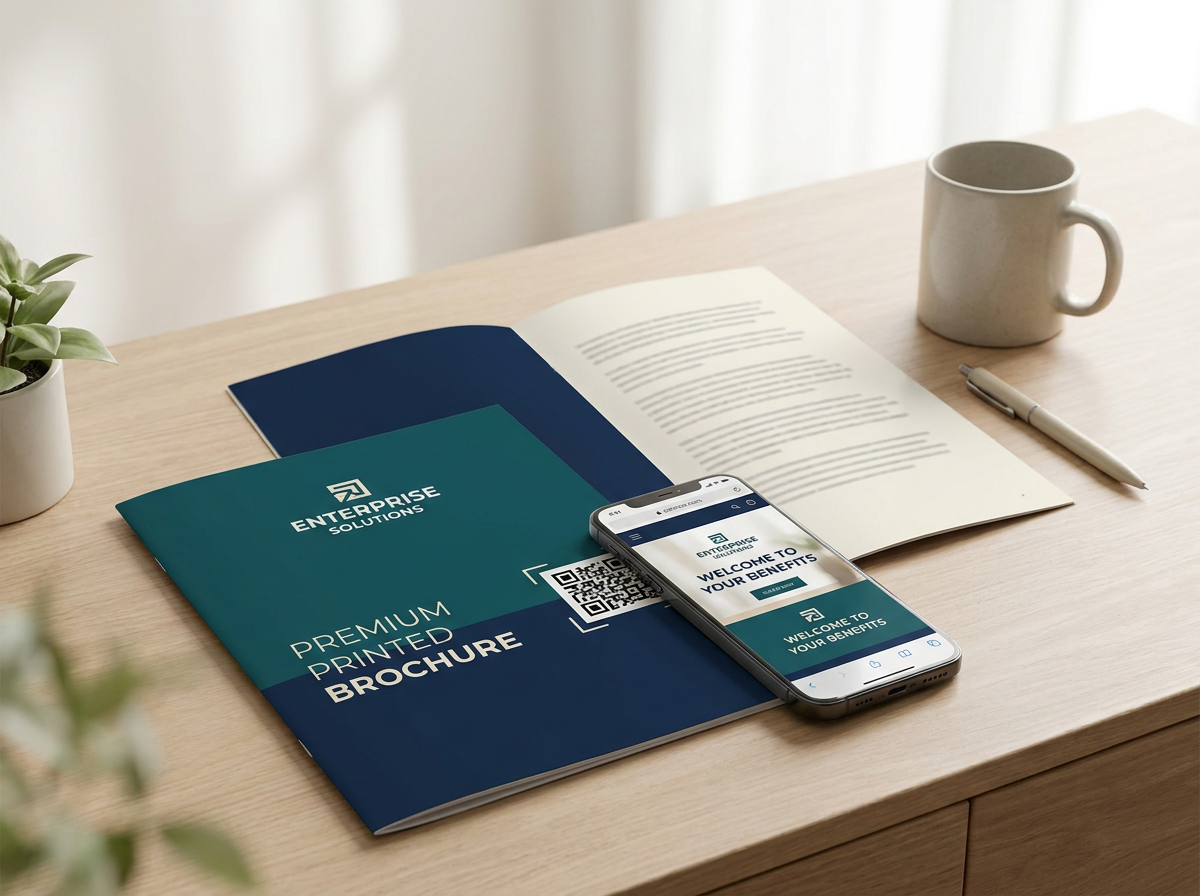
Illustrative publication page prepared for screen and print
Sample document design; your content and layout remain editable.
Choose your starting point

Your material, your brief, or a blank page.

Document Studio starts with the job you need to finish: Benefit guide, Document, Report, or One-page notice. From there, choose the way in that suits what you already have.

Use a structure that is already there

Open a document template with its sections in place, then replace the guidance and sample content with your approved material. The library includes practical starting points such as handbooks, procedures, policies, and reports.

Bring an existing file

Paste text or upload a PDF, Word, Excel, or text file to extract its content into the editor. For an existing benefit guide, Mirror is a separate route for rebuilding an editable version of its page design; inspect the result before using it.

Describe what you need

Tell Zip who will read the document, what it should cover, and how it should sound. Add your source material so the draft can use your actual names, dates, and figures. Review every section before it leaves the studio.

Start with an empty page

Choose Flow for a document that grows through ordered sections, or Canvas when you want to place content freely. You can write and arrange the work yourself, then use the editing tools where they help.
The editing room

Change the words and the page.

The saved source stays open to revision. Edit directly instead of commissioning a new file each time a sentence, figure, or page needs to change.

Write and reshape

Work on headings, paragraphs, lists, and sections on the page. Ask for a tighter or fuller rewrite of selected text, or tell the editor what a passage should say instead.

Design the document

Adjust layout, page structure, typefaces, colors, and visual treatments. Flow and Canvas give you different ways to arrange the same kind of work; choose the one that suits the document.

Make information readable

Use tables, charts, images, and callouts where they help someone understand the material. Reports can also draw on company records; check the source and the figures before sharing.

Keep the next revision easy

Save the draft in Your saved documents, reopen it, and make the next change in the source. A downloaded PDF is a finished copy; the editable document is what you maintain.

When it is ready

Choose exactly where it goes.

A draft is not automatically public. Review the document, then select the delivery route and audience that fit the work.

Publish to the employee experience

Share suitable documents with everyone, selected departments, or particular people in the Zipplee app. The sharing panel shows the intended reach before you send.

Use a web link or email

Turn on a public web link only when the document is meant to be readable by anyone with the address. You can also send it by email with a note, or create a separate password-protected link for private sharing.

Export a file

Download a styled HTML copy or prepare a PDF for print and download. Benefit guides have their own publication route with a web page and PDF; preview the exported result before relying on it.

Make more from the source

When one document needs to become other formats, take the reviewed source into Zipplee Builder. Keep the facts consistent while creating the formats each audience needs.

An example in practice

From a procedure to a document people can use.

The same pattern works for a handbook, a board report, a one-page notice, or a benefit guide.

  1. Choose the source

    Start a safety procedure from a template, approved notes, an uploaded file, or a brief describing the audience and required sections.

  2. Make it yours

    Check every instruction, owner, and contact. Edit the page design, add a table or visual where useful, and save the working document.

  3. Review and deliver

    Check the screen and exported file. Then share with the right employees or provide a PDF for print, keeping the source ready for the next revision.

Connected work

One document can keep doing useful work.

Document Studio holds the editable source. Publish reviewed information to the employee experience, use approved text in company knowledge, or carry the source into Builder for more formats. Each destination has its own review and publication choice.