Build a course your team can use
Author lessons with a video and transcript, or draft lessons and knowledge checks from a topic and source material. Review and edit the content before you save it.
Build and assign courses with lesson checks. Let people rehearse real situations with an AI character, then connect course and practice requirements in a certification pathway.
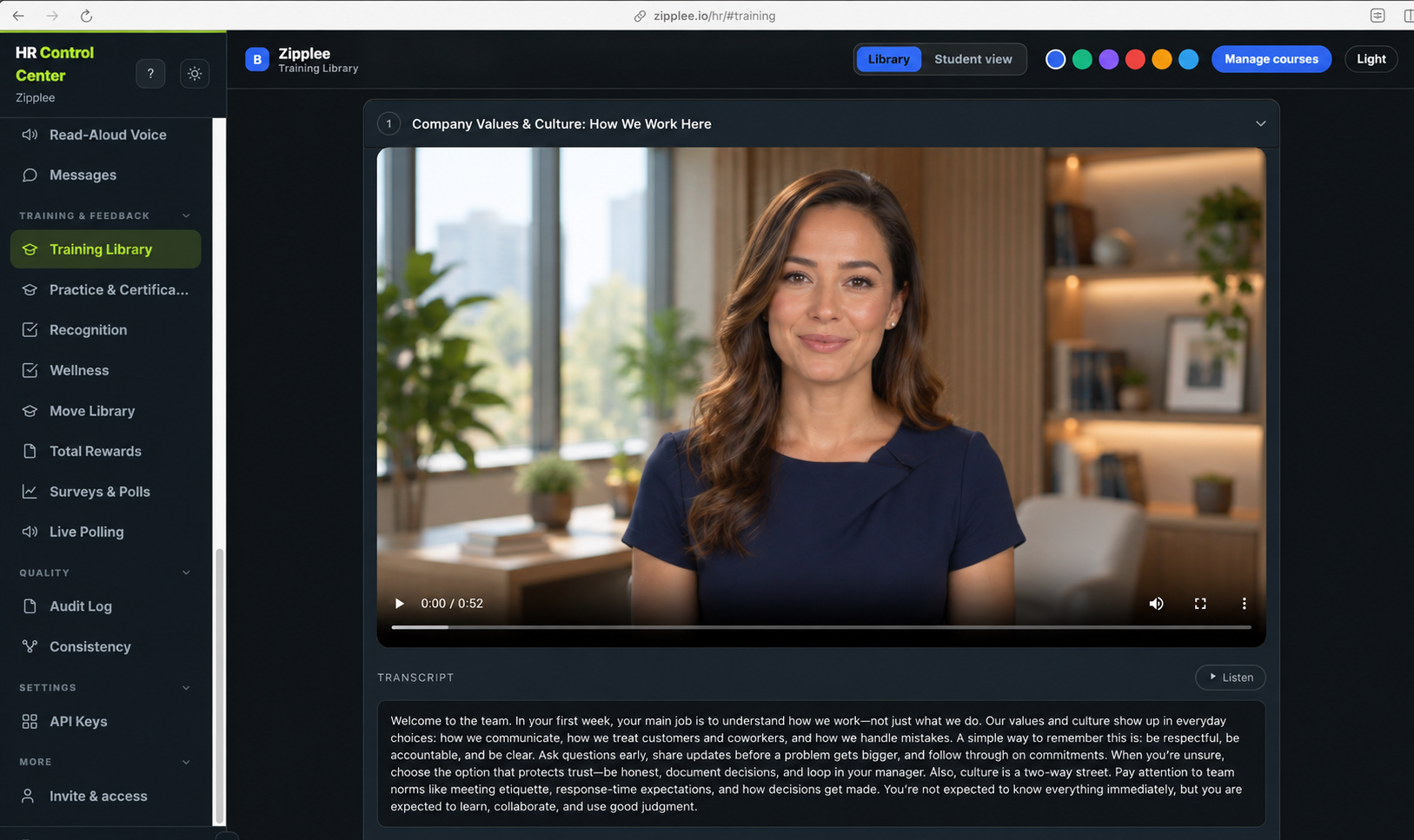
Author lessons with a video and transcript, or draft lessons and knowledge checks from a topic and source material. Review and edit the content before you save it.
Assign a course to everyone or selected employees. Add checks to individual lessons, with questions such as multiple choice, matching, sequencing, and short answers.
Build practice scenarios from a course or describe the situation yourself. Learners respond to an AI character; HR can review practice coverage and results.
Choose no recording, optional private recording, optional sharing with HR, or required recording. Learners see the policy before the camera is used.
In Certification pathways, choose the courses and practice runs to pass, set a pass mark, and add an expiry period where it applies. See actual status in Who’s certified.
Learning analytics brings course progress, quiz performance, practice coverage, and scores into view so your team can follow up on gaps.
One way to connect a course, a practice scenario, and a credential.
A service team reviews a course on a difficult customer conversation, adds lesson checks, and assigns it to the people who need it.
HR builds a related scenario from the course. Learners try the conversation with an AI character and can see where their response needs work.
A certification pathway requires both the course and practice run with a defined pass mark. HR checks practice results and Who’s certified.
An assigned course, lesson checks, practice scenarios, and a pathway that makes the requirements for certification clear. Review progress and results in learning analytics. Five Days and Fieldwork address different kinds of decisions.