Start where the work is
Begin with a blank page, a structured starter, an AI brief, or an uploaded document. Read extracts content into a new design; Mirror is the path for retaining a PDF’s layout.
Turn an approved source into a useful set of employee communications. Start with company knowledge, a brief, or a document; edit the main content, choose suitable outputs, and start the selected builds with one click.
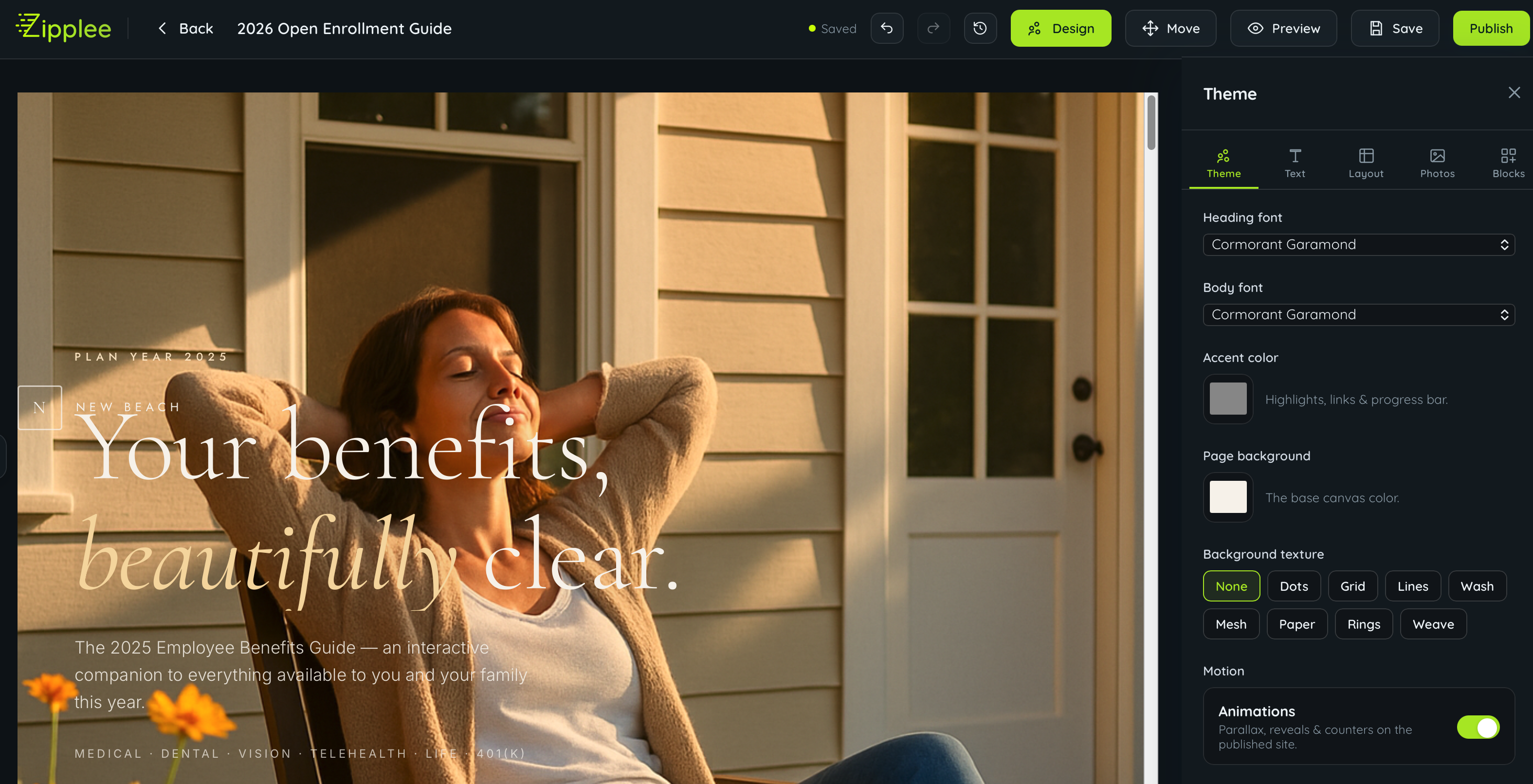
Begin with a blank page, a structured starter, an AI brief, or an uploaded document. Read extracts content into a new design; Mirror is the path for retaining a PDF’s layout.
Choose the formats your audience will use: a guide to read, a deck to present, a site to explore, or an episode to hear. One click starts the selected builds. Benefits tools need plan information; every source will not suit every output.
Review the source, change wording and design, and refine the individual results. Save the document in your library so the next update starts from work you already own.
Use starters for handbooks, SOPs, safety manuals, IT policies, board minutes, proposals, catalogs, reports, and new-hire packets. The company’s information is useful across departments.
Choose the products you need. Zipplee creates them from the same source, ready for your team to review and edit.
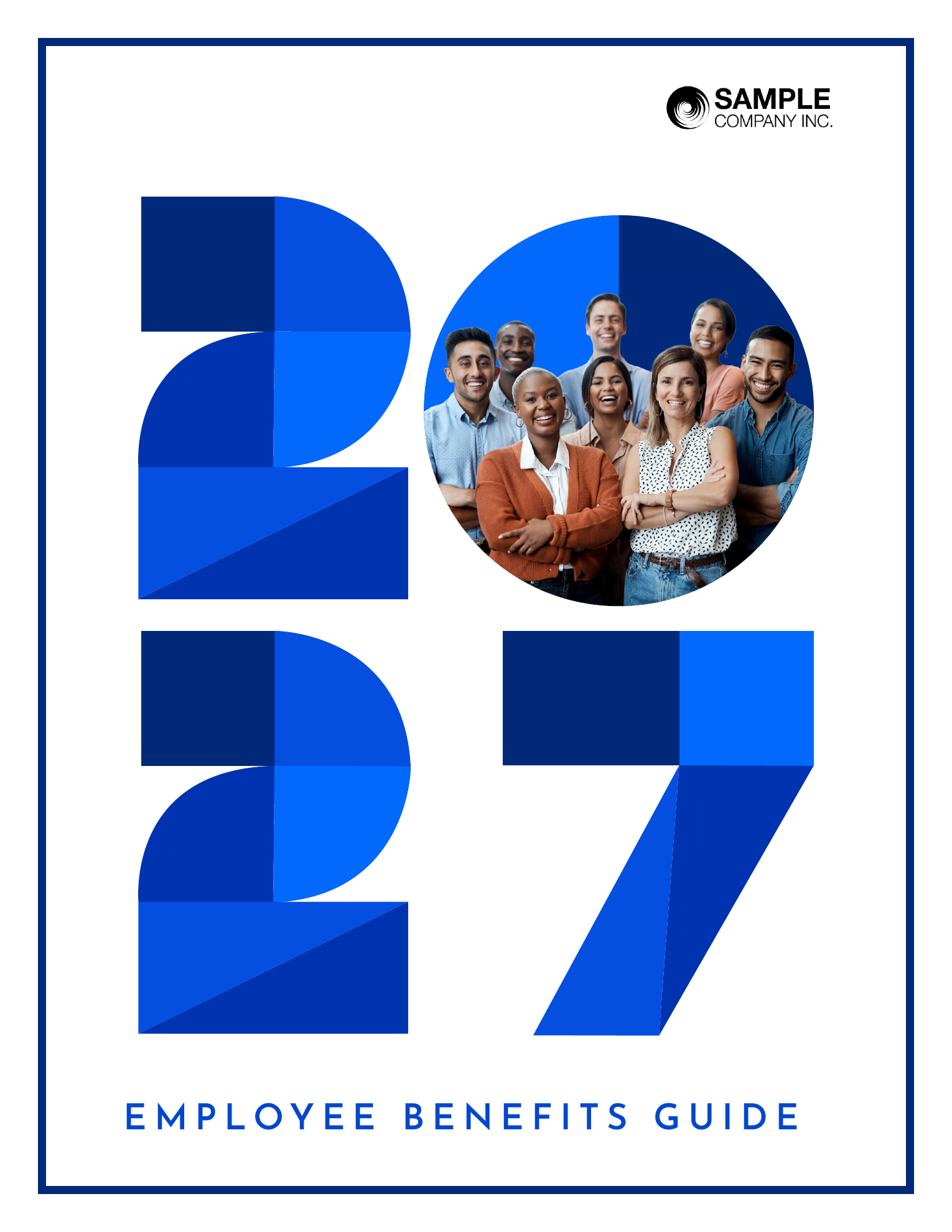
A benefits guide with plan details. The source for this illustrative bundle.
Choose the path that matches your job. Each one leads to a document you can review, edit and publish.
A benefits guide, handbook, SOP, report or one-page notice.
Bring last year’s guide or an existing document up to date.
Turn a document you already have into the formats your people need.
Choose the work, check the result, and decide who should see it.
It starts the selected builds from the same source. Each output takes its own time and can need additional work. A started bundle is not a promise that every result is finished or approved.
No. The example uses a benefits guide. A fair and plan tools need benefits details; missing premiums and sample values must be completed. Magazine and mailer options can also require a benefits source. Web and downloadable versions are separate choices in the product, grouped here for a simpler overview.
Keep the main document and supported digital formats editable. Refine wording, tables, layout, and design; review each derived version when the source changes. PowerPoint and print PDFs are separate files. A downloaded file or printed copy does not update itself.
Explore Document Studio & PDF →No. Review the source before building and check each output’s sharing behavior. A generated podcast episode can appear in the employee app, and a starter fair can open as it is created. For a script review first, use Podcast Studio. Check those settings before starting and review the finished output before inviting your audience.
The guide creates a starting fair using plan labels and benefit categories. Check provider identities and complete booth content. Anytime Fairs is the separate standalone platform for full events and year-round fairs.
Explore the fair options →The subscription covers unlimited documents and revisions. Where you connect your own AI provider account, that provider’s usage charges still apply; the subscription does not make generation free. Printing and mailing are also separate from preparing their files.
See module pricing and usage →An example of how your team could put this module to work.
A people team checks its benefits guide against the new plan tables and enrollment dates. It corrects the source before making more versions.
The team chooses a guide, microsite, deck, and mailer for its enrollment campaign. One click starts the selected builds; each result can be checked on its own.
The team checks names, dates, figures, and layout in each result, then shares the reviewed materials through its employee hub. It checks publishing behavior before selecting audio or a fair.
An editable source and a coordinated set of audience formats, including downloadable files where selected. Keep the source for the next revision and check each result before sharing. Some outputs can go live during creation; review their settings before starting. Video production is a separate workflow.