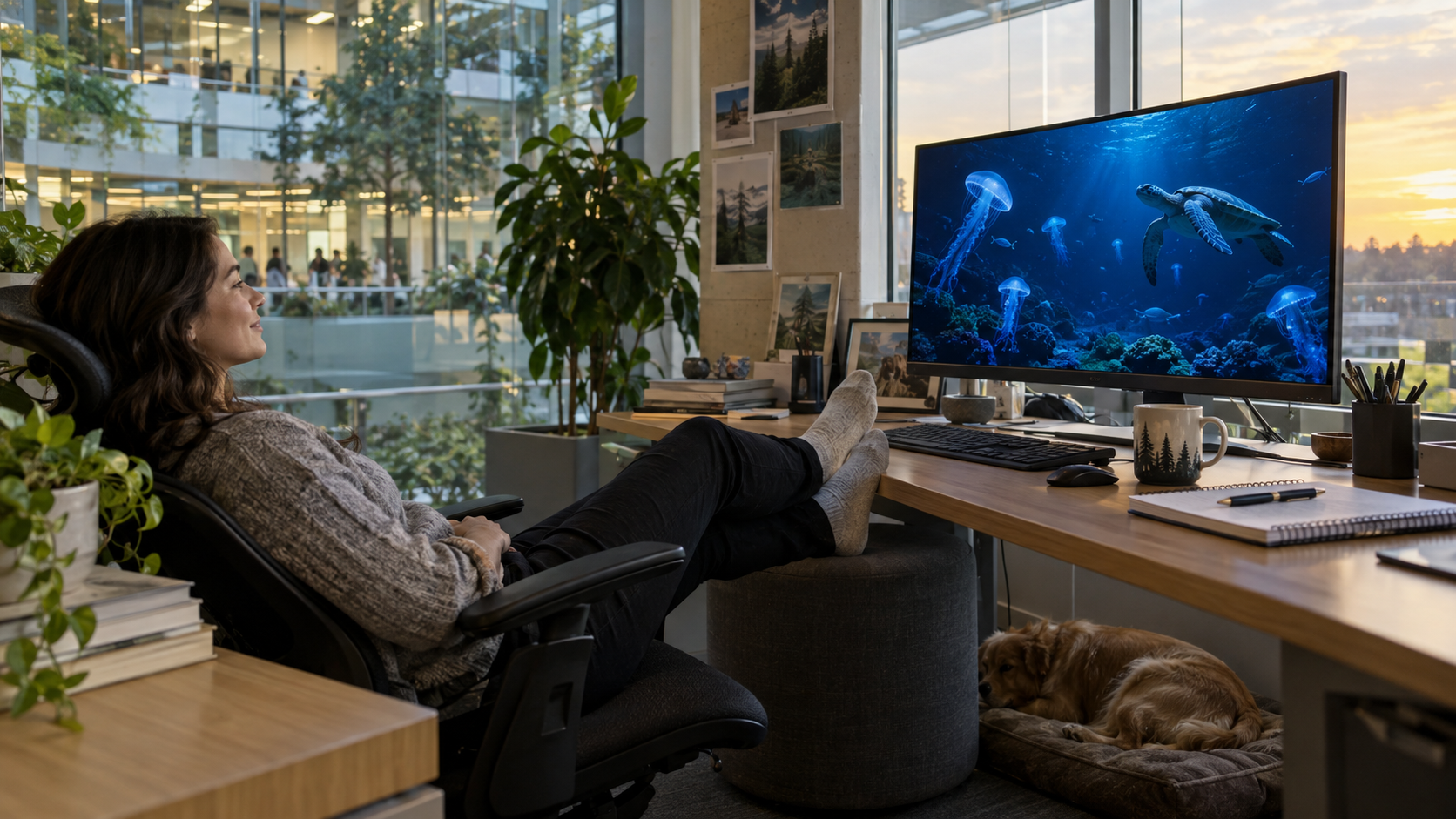
Stay at your desk
Press play on a flat-screen nature film and take a few minutes away from the work in front of you.
Browse flat-screen films ↗Watch nature films and documentaries on your computer, or settle into a headset for the immersive VR experience.
Press play on a flat-screen nature film and take a few minutes away from the work in front of you.
Browse flat-screen films ↗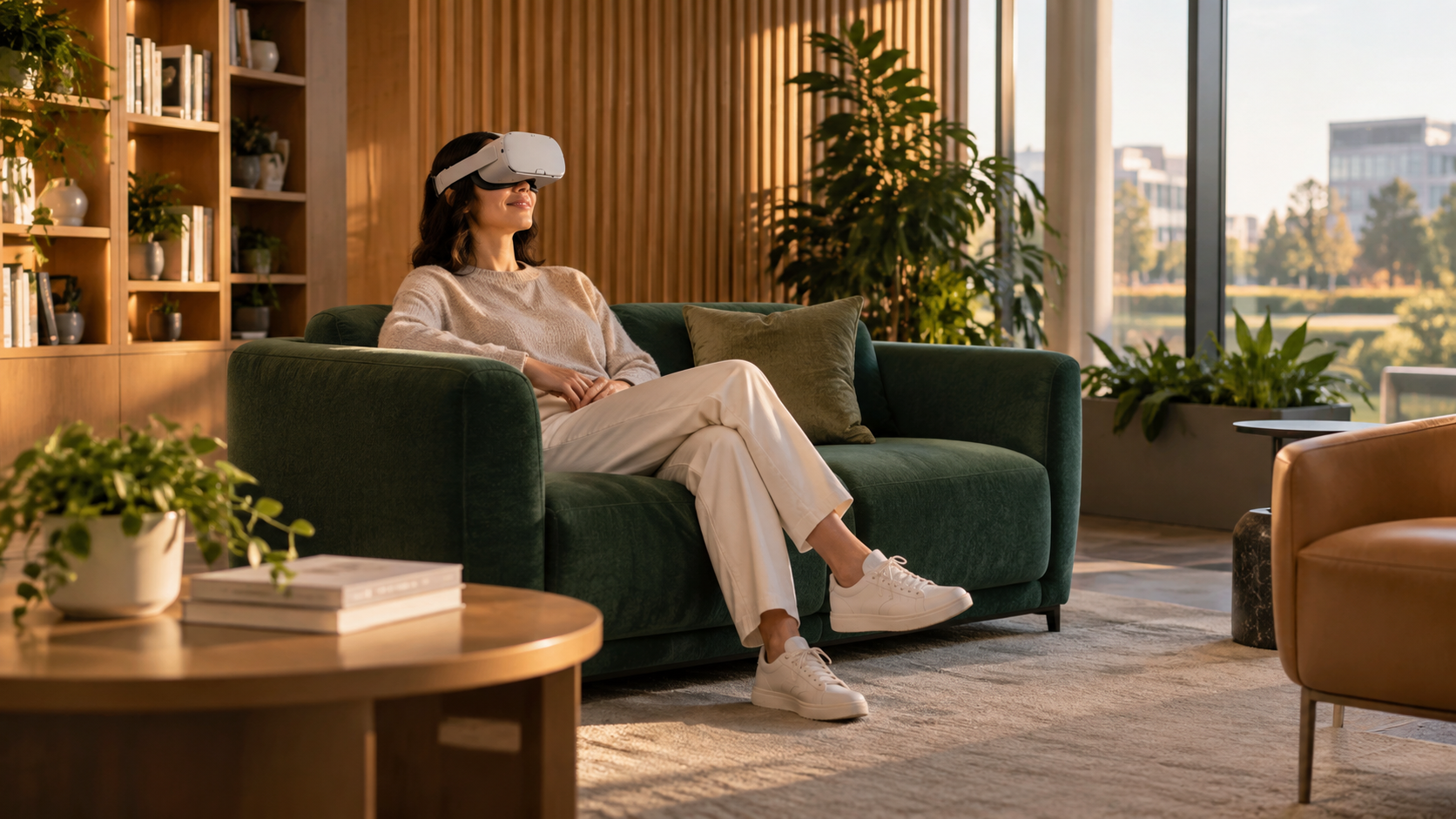
Step into the immersive nature experience from a comfortable spot in the office.
Explore VR escapes ↗Browse stretches and no-equipment exercise demonstrations in the employee hub, then open the full library. HR can choose which moves appear for the team.
Choose a nature scene under Videos in the Wellness tab. Play the film on a flat screen, or open its panoramic VR setting with the film on a curved cinema screen in a compatible headset.
Start a short breathing or focus session from the Wellness tab, or browse the full meditation library.
Listen to quiet stories from a dedicated tab when a few minutes away from the task would help.
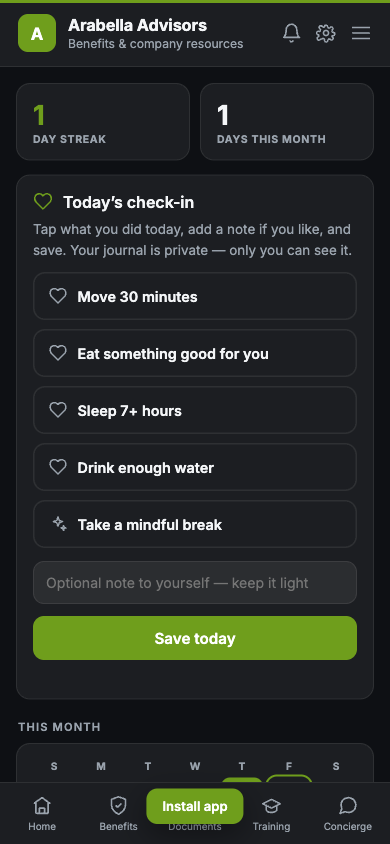
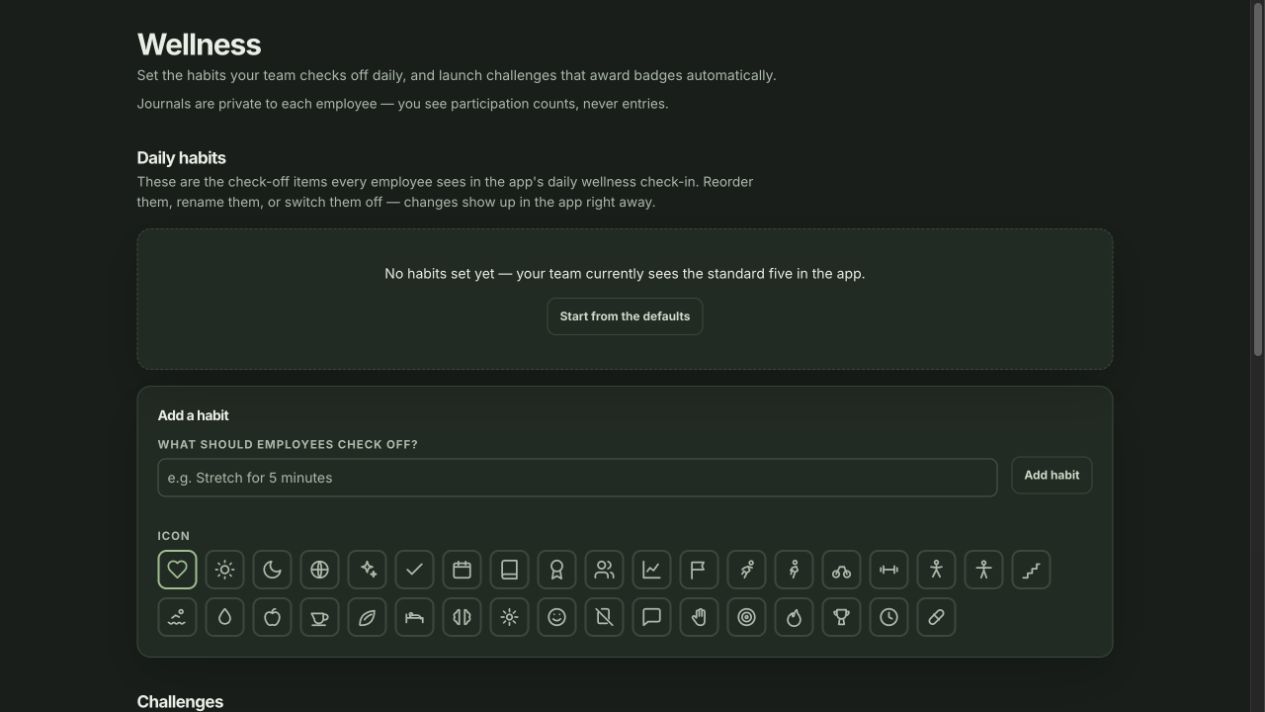
Choose a mood, tick the habits completed today, and check in. Employees see a personal streak and days checked in this month; HR can rename, reorder, add, or turn off habits.
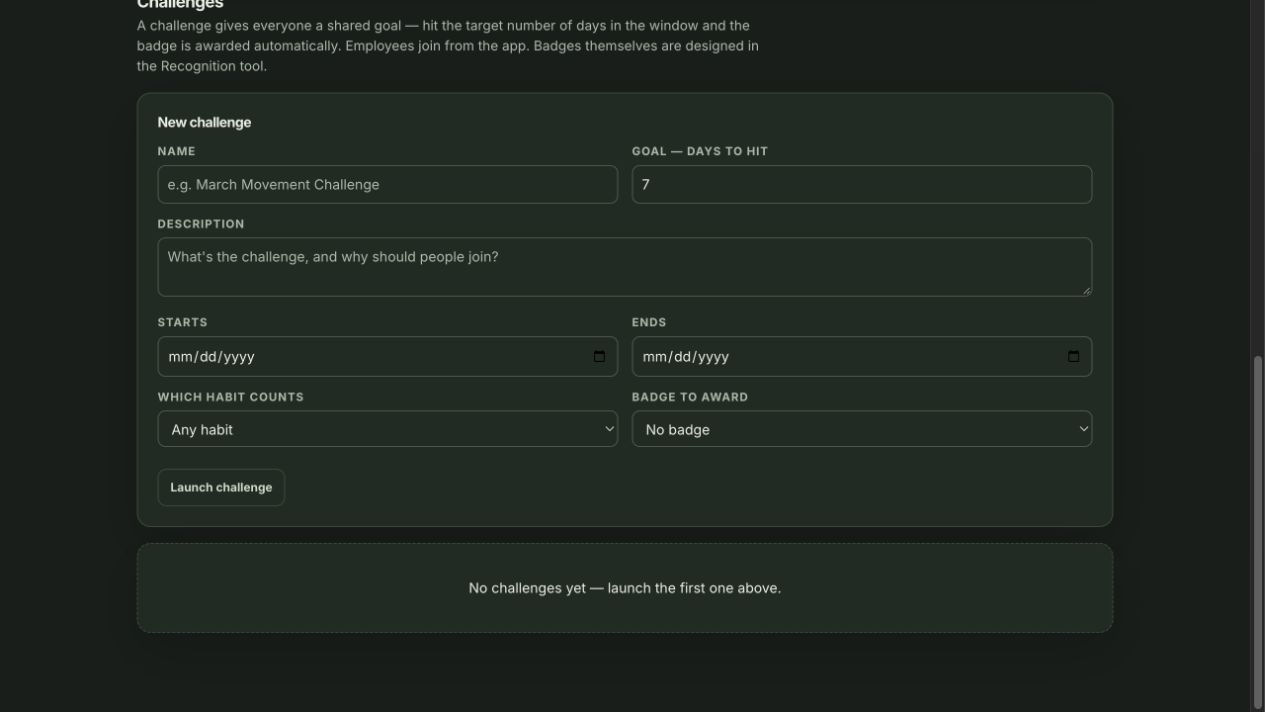
HR sets a date window, qualifying habit, and goal in days, then can choose a recognition badge. Employees join, follow their progress, and choose whether to appear on the challenge board.
Employees can save more than one entry, set a mood, write from a prompt, and add stickers or a photo. They can reopen and edit entries in their own library; HR cannot read the writing.
See company-wide mood, participation, habit, and check-in trends for today, the last 7 days, or the last 30 days. The dashboard shows totals, not names or journal text.
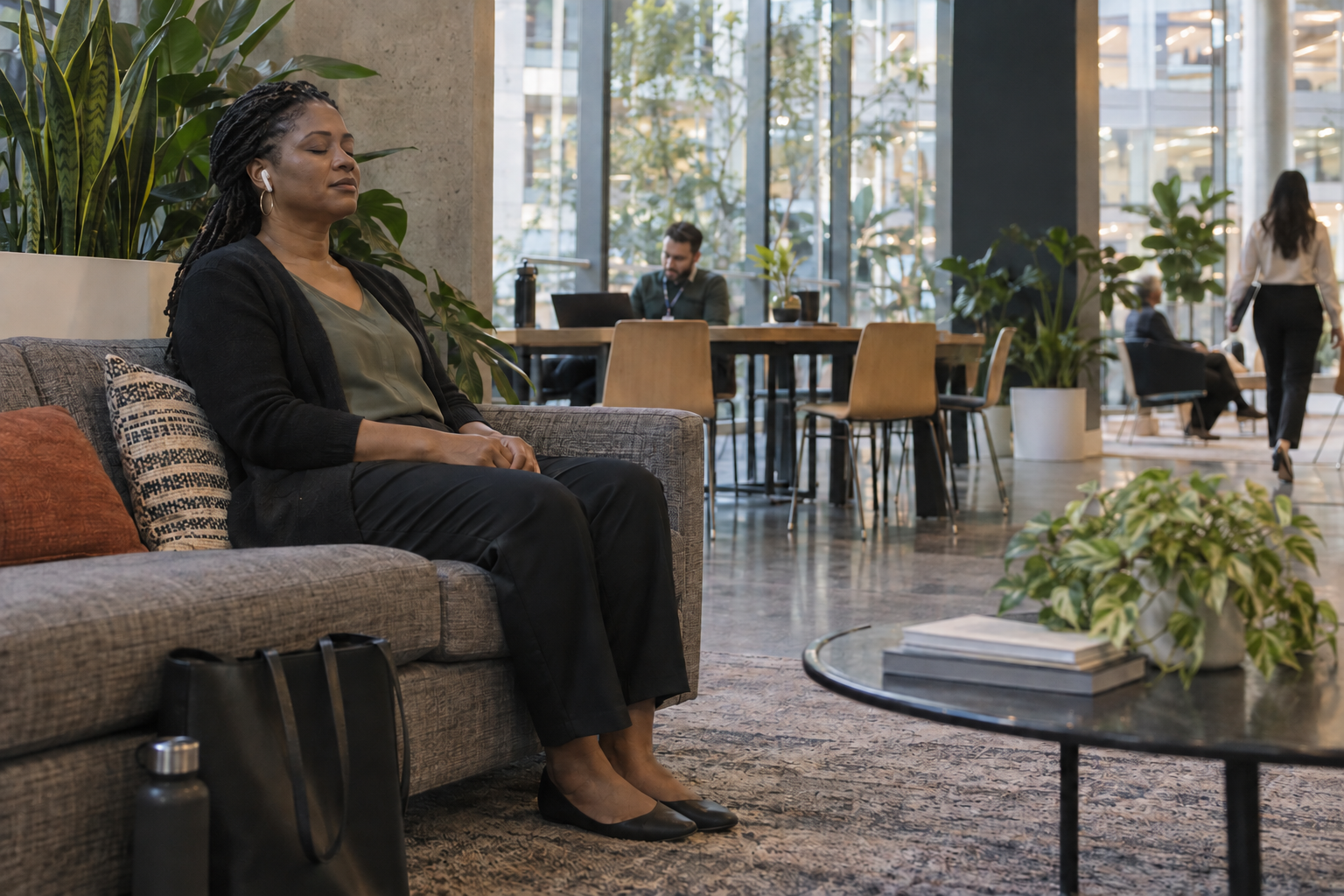
A quiet place in the office can be enough. Try Calm Like the Tide, a sample from the guided meditation library.
A soothing seaside visualization that lets your breath rise and fall like the ocean.
Make yourself comfortable and let your eyes gently close. Take a slow breath in, and a long breath out. We are going to take a short journey to the sea.
Imagine you are sitting on a quiet beach at the edge of the day. The sand is warm beneath you. The light is soft and golden. You are completely at ease.
In front of you, the ocean stretches out, calm and endless. Watch the waves. Each one rises, reaches the shore, and slides gently back out again.
Let your breath fall into rhythm with the waves. As you breathe in, a wave rolls in toward the shore. As you breathe out, it flows slowly back to the sea.
In with the wave. Out with the wave. There is no effort here. The tide has been doing this forever, and it asks nothing of you but to watch.
Feel the soft breeze on your skin, the distant call of a seabird, the endless, soothing sound of water meeting sand. Let it wash the noise from your mind.
With each wave that slides back out to sea, let it carry a little of your tension with it. Breathe it out. Let the ocean take it.
You are as calm as the tide now, moving gently, needing nothing, at peace with the rhythm of it all.
Take a few more breaths with the waves. And when you are ready, let the beach slowly fade, open your eyes, and bring that calm back with you.
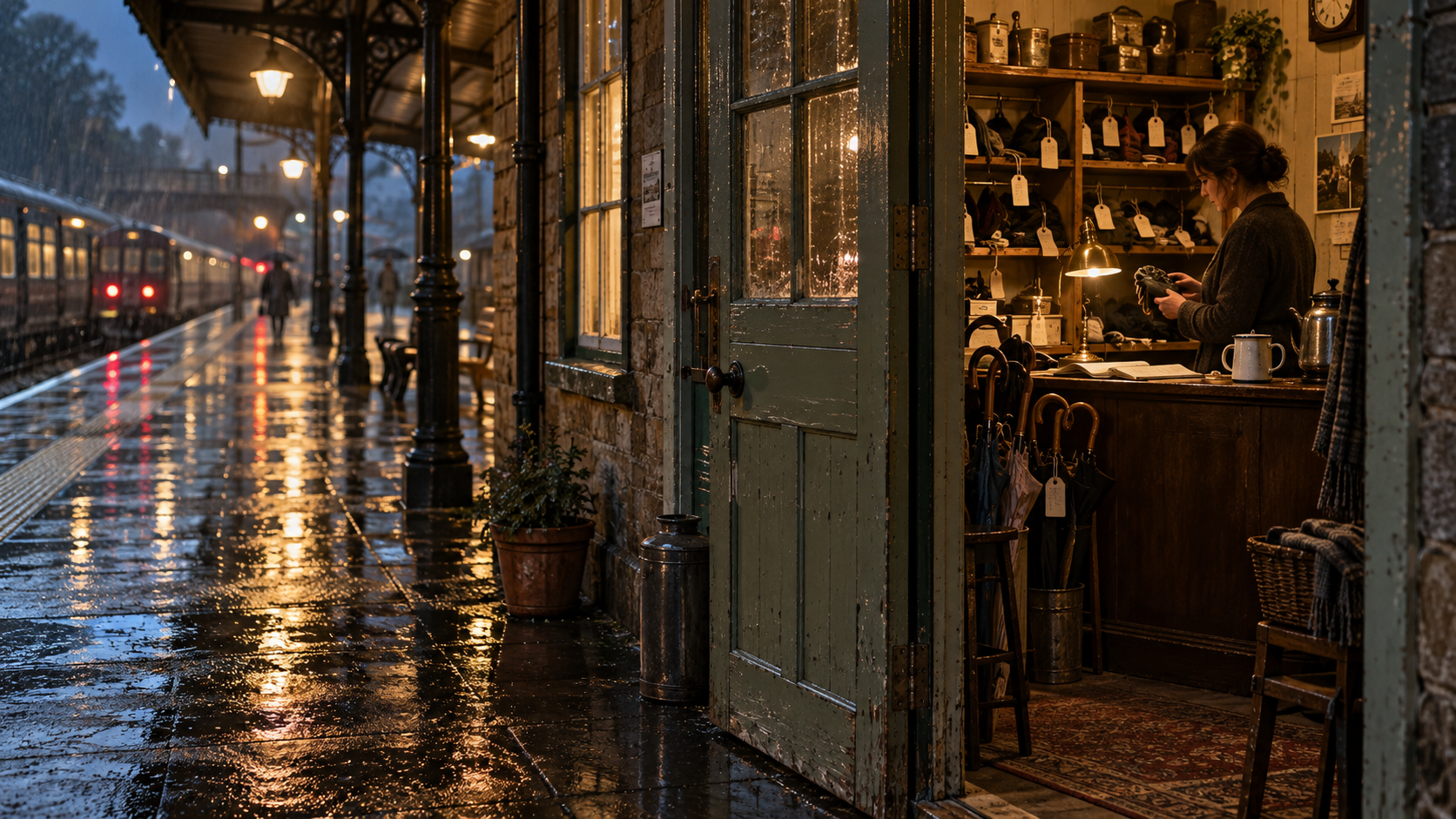
Step away from the task for a few minutes with The Lost Property Office, a gentle story from the wellness library.
A small room at the end of platform nine, and the woman who has run it for nineteen years.
There is a small room at the end of platform nine that most people walk past without ever seeing. The door is painted the same green as the railings. The sign above it has faded to the point where you would have to already know what it said. Lost Property. Open ten until four.
Marguerite has worked in that room for nineteen years. She has a kettle, a ledger, and a system that only she understands, and in nineteen years she has never once failed to find something that was actually there.
The shelves behind her are arranged by the month things arrived. Umbrellas mostly, and gloves, and a truly remarkable number of single shoes. She has never worked out the single shoes. Nobody has.
There is a cabinet on the left she calls the sad drawer, though not out loud. Wedding rings. Reading glasses with a prescription strong enough to matter. A child's rabbit, grey with handling, one ear worn down to the thread. Things somebody is still looking for.
And there is a shelf on the right that she never labels at all. That one is for things nobody will come back for. A trombone. A garden gnome wearing a small knitted scarf. A cake tin with a slice still in it, which she disposed of, but she kept the tin, because you never know.
People arrive at the counter in one of two ways. Either they are calm, and it is an umbrella, or they are not calm at all, and it is something else entirely.
The not-calm ones always apologise. They say sorry, I know this is silly, and then they describe the thing in far more detail than she needs. The colour of the strap. The scratch on the back. Where it was bought, and by whom, and what year.
Marguerite has learned not to hurry them. The describing is part of it. By the time somebody has told you about the scratch on the back, they have usually told you why it matters, and that is the part they actually came in to say.
On a Tuesday in November a man came in for a watch. It was not an expensive watch. He described it for four minutes. His father had worn it in a shipyard for thirty one years, and there was a mark on the face where it had met something metal in nineteen seventy eight.
She went to the shelf and it was there, in a small brown envelope, where it had been for eleven days. She put it on the counter. He did not pick it up straight away. He just looked at it, and said, well. That is a great relief. And then he stood there a moment longer.
Marguerite made him a cup of tea, because that is also part of the system, and they talked about the shipyard for a while, and then he went to get his train.
That is the whole of it. There is no more to the story than that. A small green room at the end of a platform, and a woman who has spent nineteen years being the person who says, yes, actually, we have it. Let me go and look.
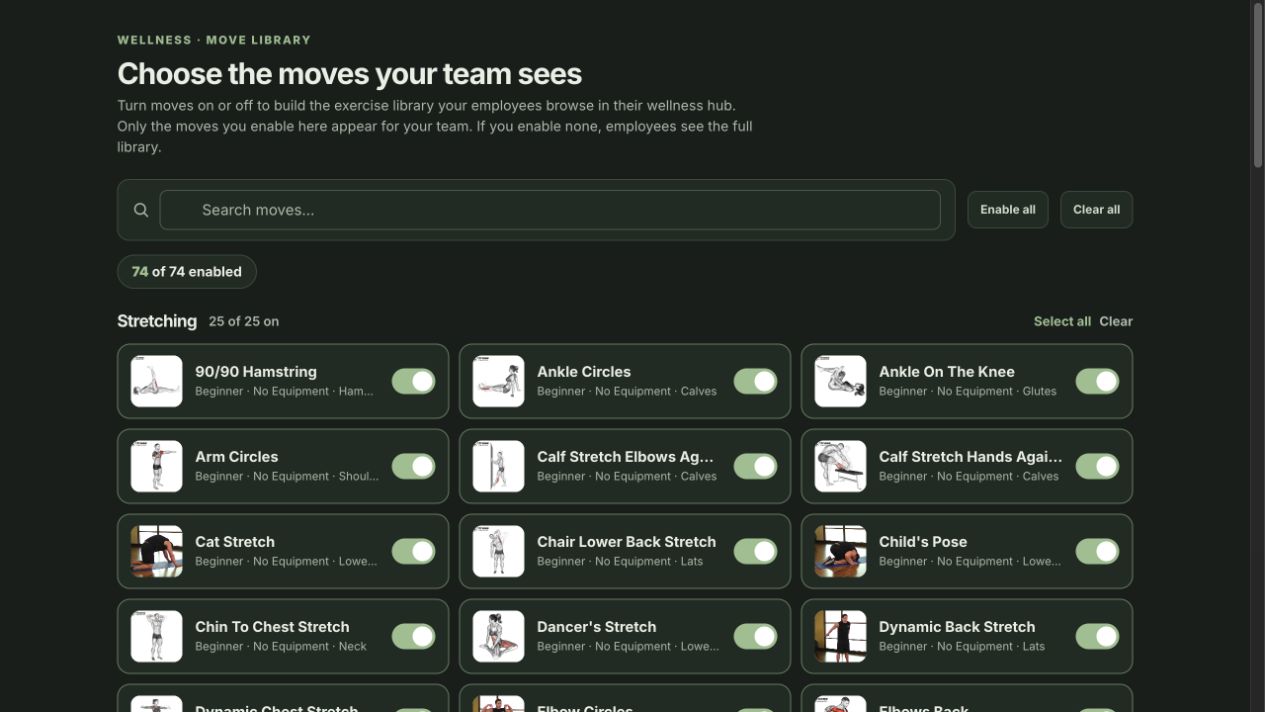
See two video demonstrations from the Move Library. Teams can also curate stretches and other activities for their employees.
A short movement demonstration from the product library.
Video: Skhulile Mthiyane / Wikimedia Commons · CC BY-SA 4.0. Unmodified.A second movement video used by the Move Library.
Video: FitnessScape / Wikimedia Commons · CC BY 3.0. Unmodified.These product captures show the employee check-in and HR setup. The current Wellness hub also has separate tabs for Journal, Move Library, Meditations, Short Stories, and Videos.
The Daily Check-In records a mood and completed habits, then shows a personal streak. The separate Journal tab holds multiple private entries with prompts, stickers, and photos. HR sees company-wide check-in totals, not an employee’s writing.
HR can add, rename, reorder, and switch off the habits employees see in the daily check-in. Changes appear in the employee hub.
HR turns individual moves on or off to shape the employee Move Library. If none are enabled, the full library appears.
HR gives a challenge a name, description, start and end dates, day goal, and qualifying habit. A badge is optional; employees join from the hub and can opt in to the challenge board.
A wellness space employees can use in small moments: check in, track habits, keep a private journal, join a challenge, or take a movement, audio, or nature break. HR shapes the experience and reviews company-wide participation without seeing personal journal entries.